
There are plenty of Spotify converters out there, but finding one that actually works isn’t easy.
Spotify offers millions of songs for streaming, yet it doesn’t let you freely save or move music outside the app. That’s why many users—whether on the free plan or paying $12.99 a month—look for a practical Spotify Converter to convert Spotify music to MP3, so they can listen offline, use other players, or keep their favorite tracks.
In 2026, Spotify converters come in many forms, from desktop software to mobile tools. Some focus on audio quality, others on speed or ease of use, and not all of them are reliable. To save you time, this article reviews 10+ Spotify Converters and highlights what each one does well, helping you choose the option that fits your needs.
Related Article: Top 6 Spotify Podcast Downloaders | Top 7 Amazon Music Converters
 No.1 The Best: NoteBurner Spotify Music Converter
Product page: https://www.noteburner.com/sp-music-converter-windows.html
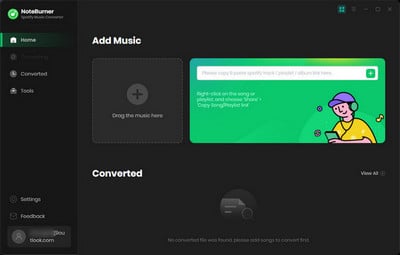
NoteBurner Spotify Music Converter is a professional Spotify to MP3 Converter, which is specially designed for Spotify users to perfectly record Spotify songs and convert them to plain MP3, AAC, FLAC, AIFF, WAV, and ALAC format at up to 40X faster speed. Besides, NoteBurner Spotify Music Converter is also well-known for its lossless quality. It is capable of downloading and converting Spotify music with the original audio quality. The most important is that, NoteBurner currently allows you to specify your preferred bit rate (128kbps to 320 kbps), sample rate (44.1kHz to 192kHz) to download Spotify Lossless music.
NoteBurner Spotify Music Converter also offers a free toolbox, including Format Converter, CD Burner, Tag Editor, iTunes exporter, Music Player, and more.

📲 Learn More >> How to use NoteBurner Spotify Downloader APK to download Spotify songs onto Android phone.
 No.2: NoteBurner Music One
Product page: https://www.noteburner.com/noteburner-music-one.html
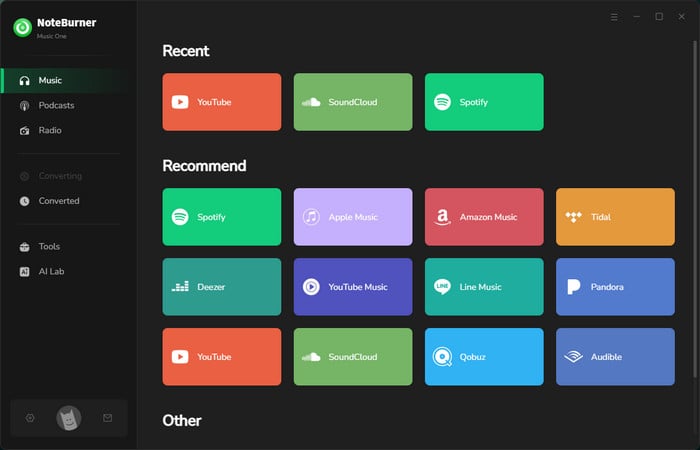
NoteBurner Music One is an upgraded version of NoteBurner Spotify Music Converter. If you want to download songs from not just Spotify, but also from other streaming platforms, this NoteBurner pro version suits your needs - converting music from 15+ streaming music platforms including Spotify, Amazon Music, Apple Music, Tidal, YouTube Music, Deezer, Line Music, Pandora, and more.
 No.3: TunePat Spotify Music Converter
Product page: https://www.tunepat.com/spotify-music-converter.html
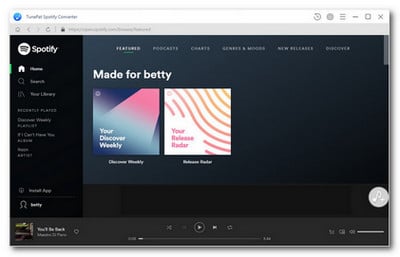
TunePat Spotify Music Converter is also a nice music downloading tool for Spotify. The program seems to be integrated with Spotify Web player. So you can download Spotify songs and convert them to MP3/AAC/WAV/FLAC/AIFF/ALAC format without installing the Spotify app. The program works great and fast.
 No.4: Audials One 2026
Product page: https://audials.com/en/one/overview
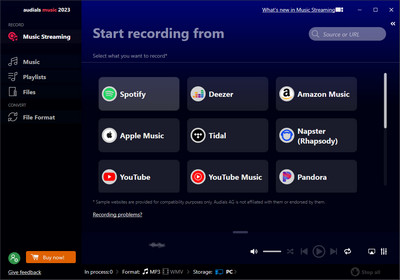
Audials One 2026 is a streaming music recorder used to record songs from most on-demand streaming platforms, Spotify is on the list without a doubt. You're able to use this useful Spotify recorder to record Spotify songs into many different formats like MP3, AAC, WAV, and FLAC, while saving ID3 tags & lyrics. But the con is that Audials One 2026 is compatible on Windows PC only.
 No.5. AudiFab Spotify Music Converter
Product page: https://www.audifab.com/spotii-music-converter.html
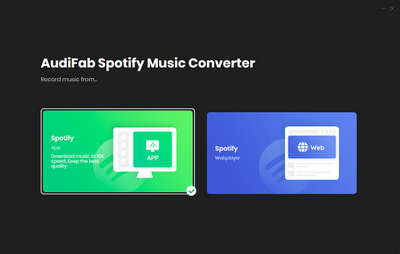
AudiFab Spotify Music Converter, is a new rising star especially to record Spotify songs, podcasts, or radios at a high conversion speed. It saves songs in MP3, FLAC, WAV, AAC, etc, and keeps the ID3 tags. Though the program interface or main features of AudiFab are similar to NoteBurner's, NoteBurner provides music downloading services longer and more professionally.
 No.6. Wondershare UniConverter
Product page: https://videoconverter.wondershare.com/
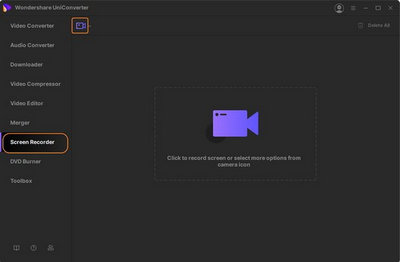
Wondershare UniConverter (is also called Wondershare Video Converter Ultimate) is a video to audio or audio format converter. It also enables to record Spotify to various music formats such as MP3/WAV/M4A. You can use its real-time recorder to record Spotify songs or try the Spotify downloader to convert Spotify music from YouTube. Looks like it's also a nice option to use Wondershare UniConverter to download Spotify tracks, but it's indeed a little bit waste of time to record Spotify songs one by one.
 No.7: Sidify Music Converter Free
Product page: https://www.sidify.com/sidify-music-free/music-converter-free.html
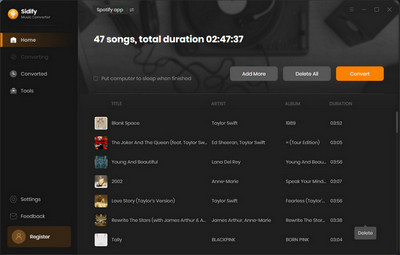
Sidify Music Converter Free is a free Spotify to MP3 converter tool, available on Windows computer only. This tool adopts a special music downloading mechanism, that will search and download your desired Spotify music from YouTube. Although this program doesn't support to keep original audio quality for Spotify songs, it should be adequate for basic streaming needs.
 No.8: AudiCable Audio Recorder
Product page: https://www.audicable.com/audio-recorder/
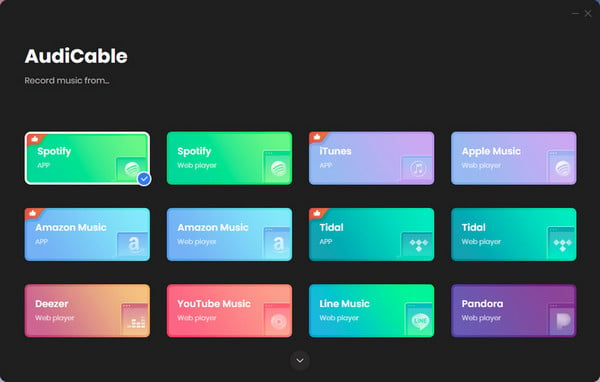
AudiCable Audio Recorder is an all-in-one music recorder, capable of downloading streaming music, including Spotify, YouTube Music, Apple Music, Amazon Music, Tidal, Deezer, Line, Pandora, etc. You can save all kinds of music in MP3, AAC, WAV, FLAC, ALAC, or AIFF format. Besides, all ID3 tags will be saved after conversion and it keeps high audio quality.
 No.9. TuneFab Spotify Music Converter
Product page: https://www.tunefab.com/sp-music-converter/
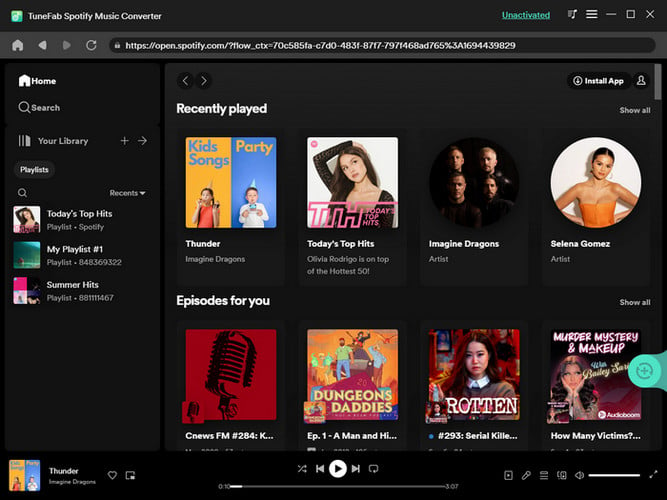
TuneFab Spotify Music Converter is a software that also allows downloading your entire Spotify playlists to your computer locally, so that you could play Spotify titles even without the internet. The Spotify songs can be downloaded in 5 format: MP3, WAV, FLAC, AIFF, and M4A. Need to mention is that TuneFab Spotify music downloader supports downloading music tracks at 35X speed on Windows and Mac. While NoteBurner Spotify playlist downloader supports 40X speed on both Windows and macOS system.
 No. 10. DRmare Spotify Music Converter
Product page: https://www.drmare.com/music-converter/
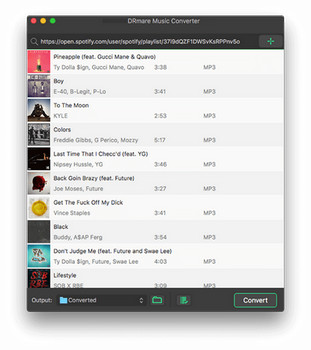
DRmare Spotify Music Converter is a powerful Spotify song downloader for Spotify users. It can download spotify songs at 5X speed with keep good quality. After conversion, Spotify content will be saved as MP3, WAV, AAC, FLAC, M4A, and M4B, less output format choices than NoteBurner.
 No. 11. Viwizard Spotify Music Converter
Product page: https://www.viwizard.com/music-converter/
Viwizard Spotify Music Converter is fully compatible with Mac and Windows systems. It's used to record Spotify music, and save them in MP3, WAV, AAV, FLAC, M4A, M4B. Just like other audio recorders, this Viwizard Spotify Music Converter can record songs at 40X speed.
 No. 12: Allavsoft
Product page: https://www.allavsoft.com/
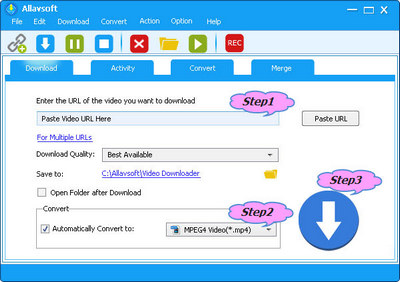
Allasoft is not only a music converter, but also a video downloader to get any source offline from 1000+ websites, including YouTube, Spotify, Facebook, Vimeo, Twitter, and more. You can convert and download Spotify to MP3, FLAC, WAV, M4A, AC3, M4A, WMA, OGG, DTS, OPUS at just one-click. But the drawback is that you cannot customize the specific bit rate and sample rate, the download speed is not fast enough if you have a large music library.
 No. 13: Audacity (Free)
Product page: https://www.audacityteam.org/
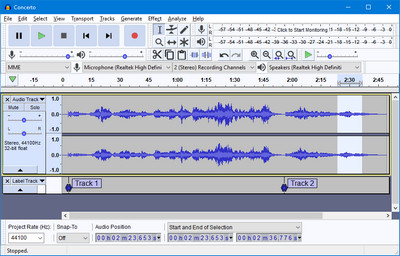
Audacity, a free and useful audio software compatible with most Windows/Mac/Linux systems. Just like the traditional Music Recorder, Audacity is able to record any music sound that is playing on your computer, including streaming music platforms like Spotify.
 No. 14: AllToMP3 (Free)
Product page:
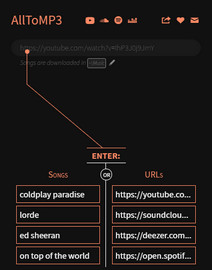
AllToMP3 is an open-source music downloader to download music from Spotify, YouTube, and SoundCloud in MP3 format. It's a free Spotify Converter in the market, however, you can only get up to 250kbps quality & MP3 format only with this tool.
| Tool | Output Format | Quality | Speed | Keep ID3 Tags | Batch Download | Platform | Free Tools |
|---|---|---|---|---|---|---|---|
| NoteBurner Spotify Music Converter | MP3, AAC, WAV, FLAC, AIFF, ALAC | High/Lossless | ★★★★ | ✔️ | ✔️ | Windows/Mac/Android | ✔️ |
| NoteBurner Music One | MP3, AAC, WAV, FLAC, AIFF, ALAC | High/Lossless | ★★★★ | ✔️ | ✔️ | Windows/Mac | ✔️ |
| TunePat Spotify Music Converter | MP3, AAC, WAV, FLAC, AIFF, ALAC | High (up to 320kbps) | ★★★ | ✔️ | ✔️ | Windows/Mac | ✔️ |
| Audials Music 2026 | MP3, AAC, WAV, FLAC | High | ★★★ | ✔️ | ✔️ | Windows | ❌ |
| AudiFab Spotify Music Converter | MP3, AAC, WAV, FLAC, AIFF, ALAC | High/Lossless | ★★★ | ✔️ | ✔️ | Windows/Mac | ✔️ |
| Wondershare UniConverter | MP3, WAV, M4A | Medium | ★★ | ✔️ | ❌ | Windows/Mac | ❌ |
| Sidify Music Converter Free | MP3, AAC, WAV, FLAC, AIFF, ALAC | Medium | ★★★ | ✔️ | ✔️ | Windows/Mac | ❌ |
| AudiCable Audio Recorder | MP3, AAC, WAV, FLAC, AIFF, ALAC | High/Lossless | ★★★ | ✔️ | ✔️ | Windows/Mac | ✔️ |
| TuneFab Spotify Music Converter | MP3, AAC, WAV, FLAC, AIFF, ALAC | High | ★★★★ | ✔️ | ✔️ | Windows/Mac | ❌ |
| DRmare Spotify Music Converter | MP3, FLAC, WAV, AIFF, M4A | High (up to 320kbps) | ★★★★ | ✔️ | ✔️ | Windows/Mac | ❌ |
| Viwizard Spotify Music Converter | MP3, AAC, WAV, FLAC, AIFF | High | ★★★★ | ✔️ | ✔️ | Windows/Mac | ❌ |
| Allavsoft | MP3, FLAC, WAV, M4A, AAC, others | Medium | ★★★ | ✔️ | ✔️ | Windows/Mac | ❌ |
| Audacity | MP3, WAV, AIFF, OGG | Depends on settings | ★ | ❌ | ❌ | Windows/Mac/Linux | ❌ |
| AllToMP3 | MP3 | Medium (up to 256kbps) | ★★ | ✔️ | ✔️ | Windows/Mac/Linux | ❌️ |
These top 10+ Spotify Converter tools each offer something different, from Spotify music converter to Spotify music recorder and free spotify converters, making it easy to save your favorite Spotify tracks for offline listening.
If you want a reliable and fast option, NoteBurner Spotify Music Converter stands out. It can convert Spotify songs to MP3, AAC, FLAC, AIFF, WAV, or ALAC without losing quality, keeps ID3 tags intact, and works up to 40x faster, which makes it one of the best Spotify Converter choices today.
Ultimately, the best tool depends on your own needs. Try a few and see which Spotify Converter fits your workflow and listening habits the most.



