


 My Account
 Sign Out
NoteBurner Playlist Transfer
One-Click Music Playlist Migration Across Platforms

Transfer playlists between Spotify, Apple Music, YouTube Music and other platforms.

Import local music playlists into your favorite streaming services.

Export streaming playlists as M3U/M3U8, CSV, JSON, XML and more.

Back up large playlist collections to local files.

Free software updates and ongoing technical support.

Available for:
*Note: This program is for personal use only.
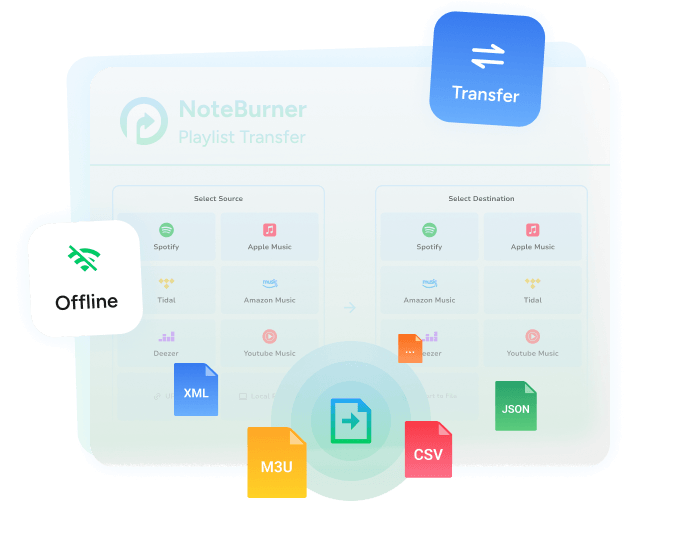
Transfer Music Playlists Between All Major Streaming Services
Don't want to lose your music collection when switching to another platform? NoteBurner Playlist Transfer batch-transfers your playlists across a wide range of music platforms. With just a few clicks, your entire playlist is migrated with up to 99% accuracy.
Try It Free

Try It Free

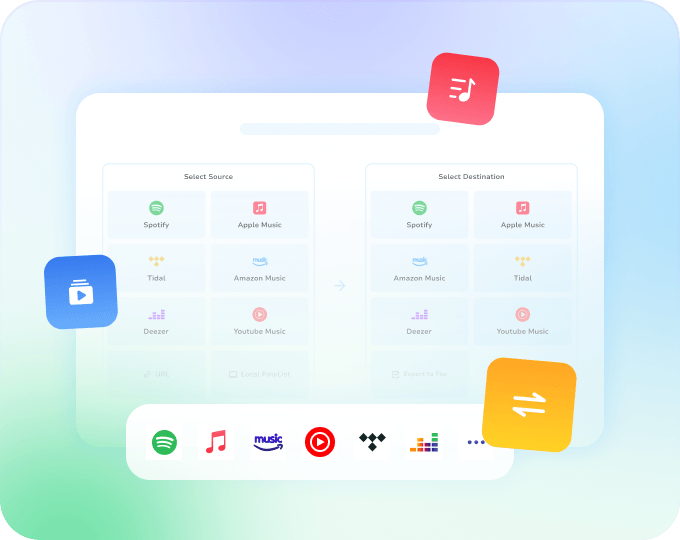
Import & Sync Local Playlists to Your Target Music Platform
NoteBurner Playlist Transfer brings your local music playlists online with ease. Thanks to wide file format support, you can quickly upload local playlists to the streaming service of your choice. It's helpful whether you're syncing existing tracks to a new music library or curating a personalized collection.
Try It Free
Try It Free
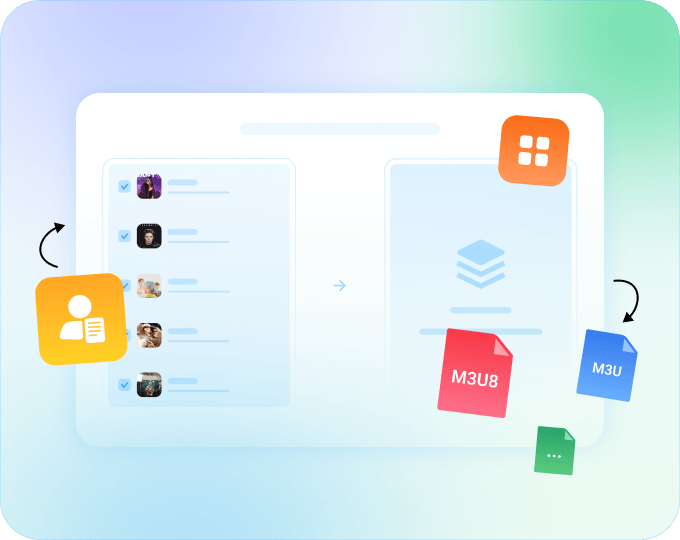
Export & Back Up Streaming Playlists to Local Files
Back up your music playlists safely. NoteBurner Playlist Transfer exports streaming playlists to your local drive in multiple formats, so you always keep a copy of your music collection. These backups also open up more uses, such as music data analysis, DJ software integration, and advanced playlist editing and management.
Try It Free
Try It Free
Keep Up To Date & 100% Safe
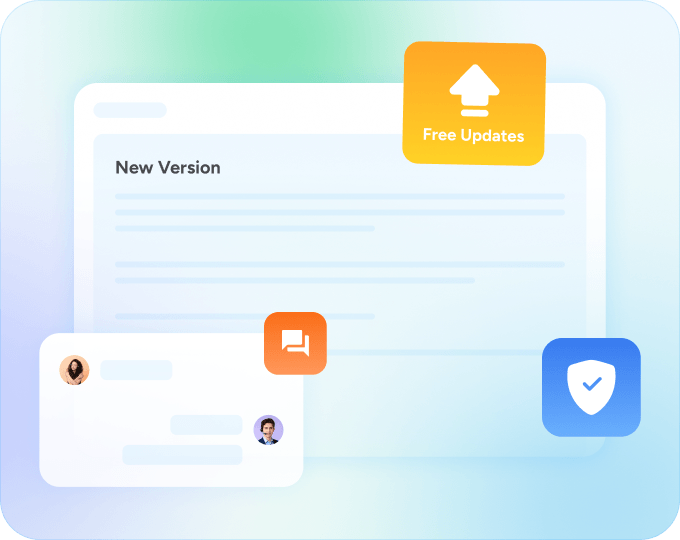
NoteBurner Playlist Transfer keeps your experience smooth, secure and up to date. Regular updates keep it compatible with the latest changes on streaming platforms, and ongoing stability improvements deliver consistent performance you can rely on.
Try It Free
Try It Free


Users' Words



Fantastic and super fast service! I transferred a huge playlist collection in under 10 minutes, and everything matched perfectly. The process was smooth, intuitive and completely hassle-free. Honestly, this saved me hours of manual work. Highly recommended!

Seamless transition from Spotify to Qobuz. I'm genuinely impressed by how easy the whole process was. Everything transferred smoothly!
Super easy, super fast, and saved me a ton of time. Manually recreating all my playlists on Qobuz would've been brutal and probably killed my excitement for switching. Everything synced up effortlessly. Honestly impressed.
I've tested a few playlist transfer tools, but this one stands out. Moving my playlists from one platform to another was smooth, accurate and surprisingly fast.
Download NoteBurner Playlist Transfer Now!
Move your playlists to any music platform in a few clicks.


Guides & Tips
Transfer from Spotify & Apple Music
Transfer to Spotify & Apple Music
Highly Recommend

All-in-one streaming music converter to download songs from Spotify, Apple Music, Amazon Music, TIDAL, YouTube Music, Deezer, SoundCloud, Vimeo, etc.

Download Spotify music to MP3, AAC, FLAC, WAV, AIFF or ALAC, with lossless audio quality retained.

A professional tool to convert Apple Music to MP3, AAC, WAV, FLAC, AIFF or ALAC at 10X speed.

MONEY-BACK GUARANTEE
Money-back guarantee on every plan, up to 30 days.

100% SECURE
100% clean, no bundled software. All payments protected by SSL.

TRUSTED BY MILLIONS
Over 90 million users in 160+ countries since 2006.
TECHNICAL SUPPORT
Email support within 24 hours, plus free updates and upgrades.
