


 My Account
 Sign Out
NoteBurner Amazon Music Converter for Mac
Download Amazon Music in Ultra HD and Dolby Atmos on Mac

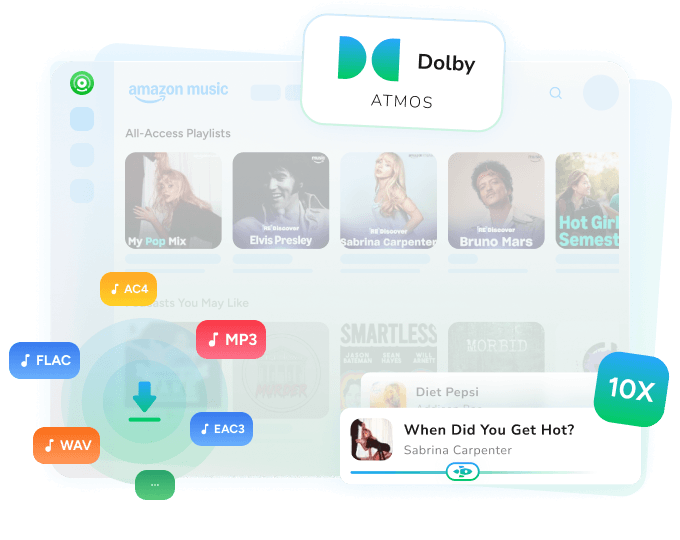
Convert Amazon Music songs, playlists, albums & podcasts to MP3, AAC, WAV, FLAC, AIFF, ALAC, EAC3, AC4.

Keep HD & Ultra HD via the app, and Dolby Atmos via the web player.

Batch download playlists at up to 10X speed via the Amazon Music web player.

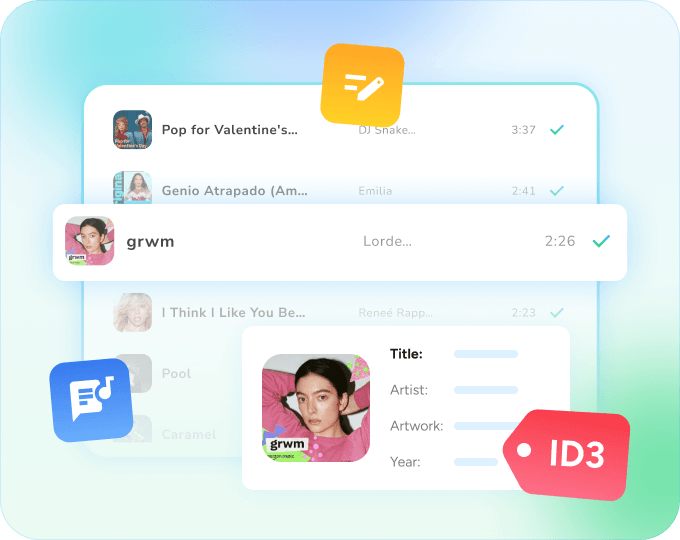
1-Click export to Apple Music, with full ID3 tags and lyrics.

Works with Amazon Music Free, Prime and Unlimited.

Available for:
On Windows? Get the Amazon Music to MP3 Converter for Windows →
*Note: This program is for personal use only.
Amazon Music Converter for Mac: Save Songs, Playlists and Podcasts
NoteBurner Amazon Music Converter for Mac downloads songs, albums, playlists and podcasts from Amazon Music Free, Prime and Unlimited, and saves them as regular audio files on your Mac, ready to play offline in any player.
- Amazon Music Downloader for Mac
- Amazon Music Playlist Downloader
- Amazon Music to MP3 Converter
- Amazon Music Podcast Downloader
Free Download

Free Download

Keep Amazon Music Ultra HD and Dolby Atmos on Your Mac
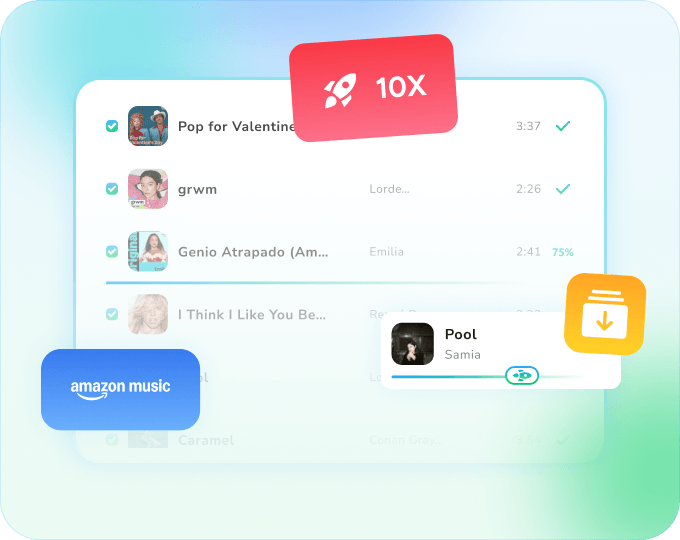
NoteBurner keeps the best quality Amazon Music offers, from two download sources:
- HD (16-bit/44.1 kHz) and Ultra HD (up to 24-bit/192 kHz): choose the Amazon Music app and save as FLAC, ALAC or WAV. Conversion runs in real time (1X).
- Dolby Atmos: choose the Amazon Music web player and save as EAC3 or AC4. Dolby Atmos and Spatial Audio songs are marked in your History list.
The web player also converts large playlists at up to 10X speed. See how to download Amazon Music in Dolby Atmos.
Free Download
Free Download
Convert Amazon Music to MP3, FLAC, ALAC and More on Mac
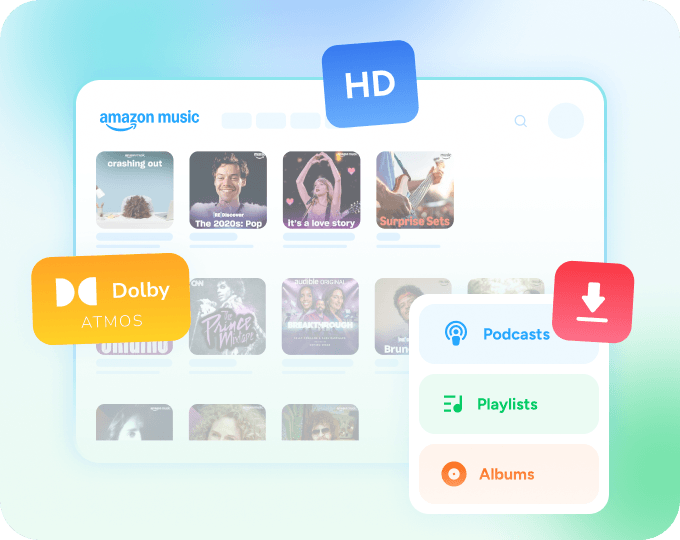
Pick from 8 output formats to fit how you listen:
- MP3 or AAC: plays on almost any player, phone or car stereo.
- ALAC or AIFF: native to Apple Music, GarageBand and iMovie.
- FLAC or WAV: for editing and long-term archiving.
- EAC3 or AC4: to keep Dolby Atmos tracks.
Taking songs on the road? Copy Amazon Music to a USB drive for your car.
Free Download
Free Download
1-Click Export to Apple Music, with ID3 Tags and Lyrics
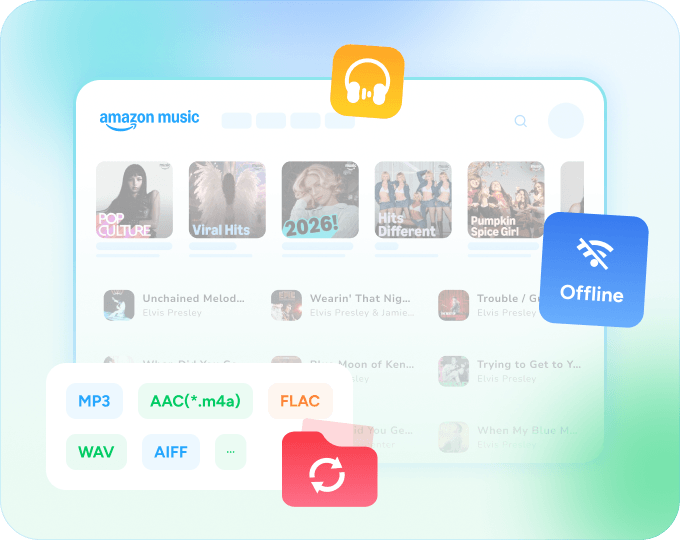
Send converted Amazon Music songs to your Apple Music library in 1 click, then sync them to your iPhone, iPad or iPod through Finder, alongside the rest of your music.
Every song keeps its title, artist, album, artwork, track number and year. You can also save lyrics as LRC files in web player mode and keep the original playlist order.
Free Download
Free Download
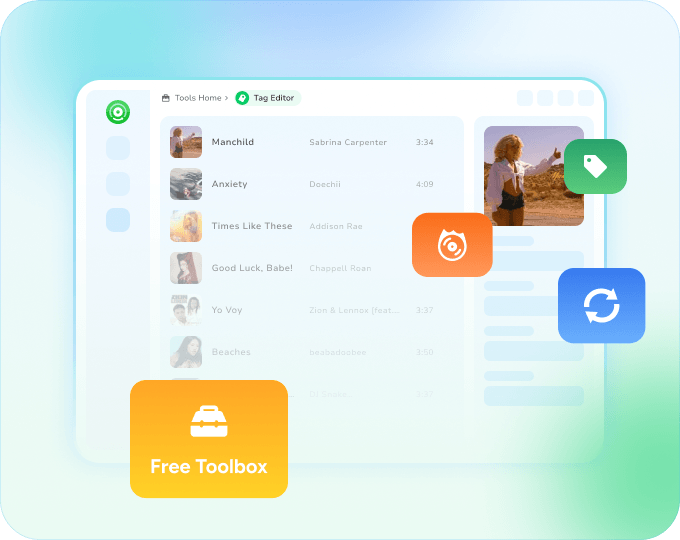
Free Toolbox for Your Mac Music Library
The "Tools" tab adds a free Format Converter, CD Burner, Tags Editor and Audio Editor for converted songs and your own local files, plus a paid AA/AAX Converter for Audible audiobooks.
Free Download
Free Download
Made for macOS 11 Big Sur to macOS 27
NoteBurner works on both Apple silicon (M-series) and Intel Macs, with native builds for each that download automatically for your Mac, and supports macOS 11 Big Sur through macOS 27. It is updated to keep up with each new macOS release and with changes in Amazon Music. Updates are free once you buy a license.
Want to test it first? The free trial converts the first minute of each song, so you can check the output quality on your Mac before you buy. Every plan comes with a money-back guarantee: 5 days for the 1-year plan and 30 days for the lifetime plan.
Extra Features

DIY Music File Name
Name your music files with Title, Track Number, Artist, Album, Year, etc.

Classify By Playlist/Album/Artist
Sort out music songs by playlist, album, artist, genre and year.

Export Music to Apple Music
Add converted songs to your Apple Music library in 1 click.

Keep Original Playlist Order
Save songs in the same order as your original Amazon Music playlist.

Light/Dark Theme
Choose a light or dark theme for the app.

1-Click to Clear Cache
Clear the program cache so downloads keep running smoothly.
How to Convert Amazon Music to MP3 on Mac
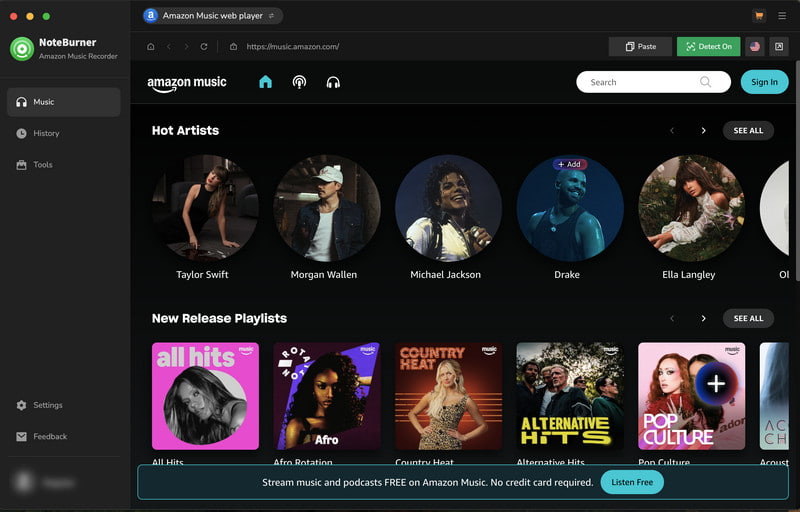
1/5Launch NoteBurner and choose the Amazon Music app or web player.
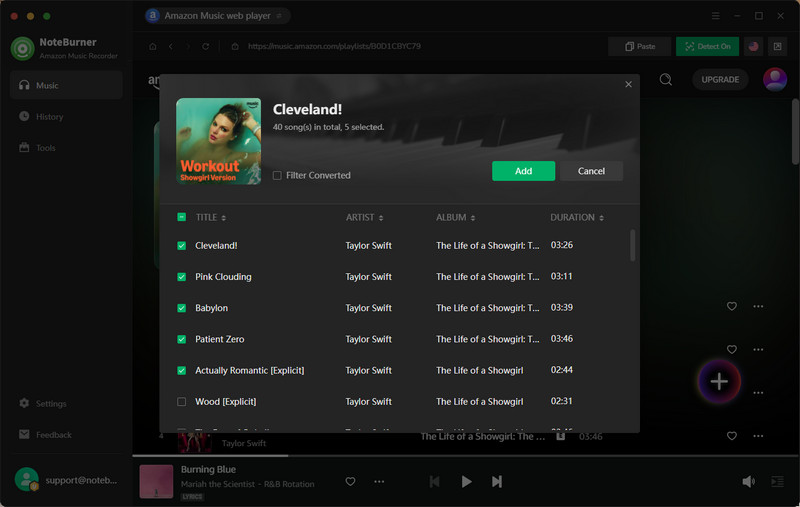
2/5Open a playlist, album or song and click "Add".
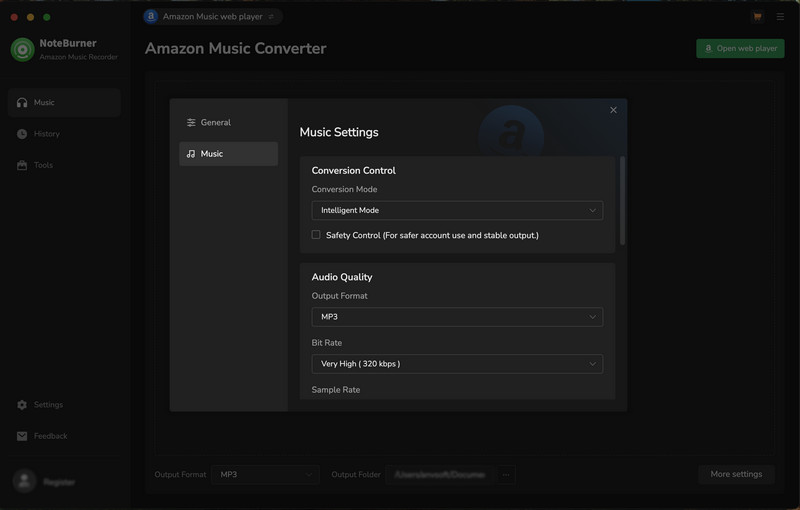
3/5Open Settings, choose MP3 or another format, and set the output folder.
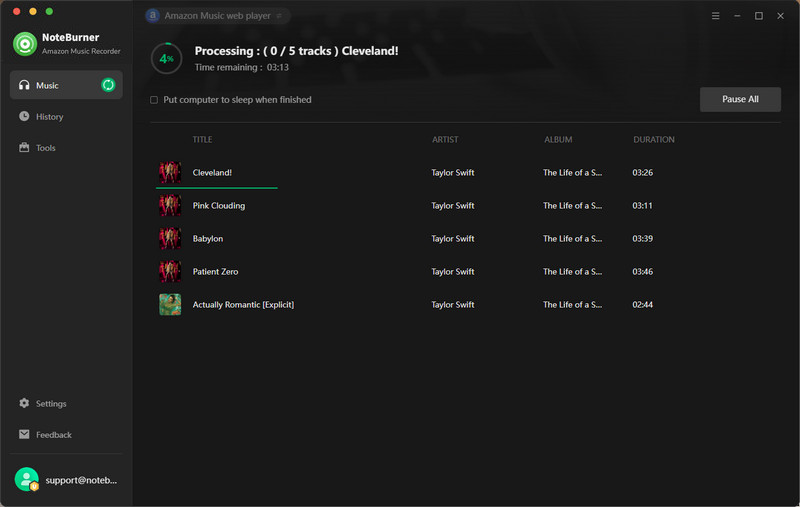
4/5Click "Convert" to start downloading the songs.
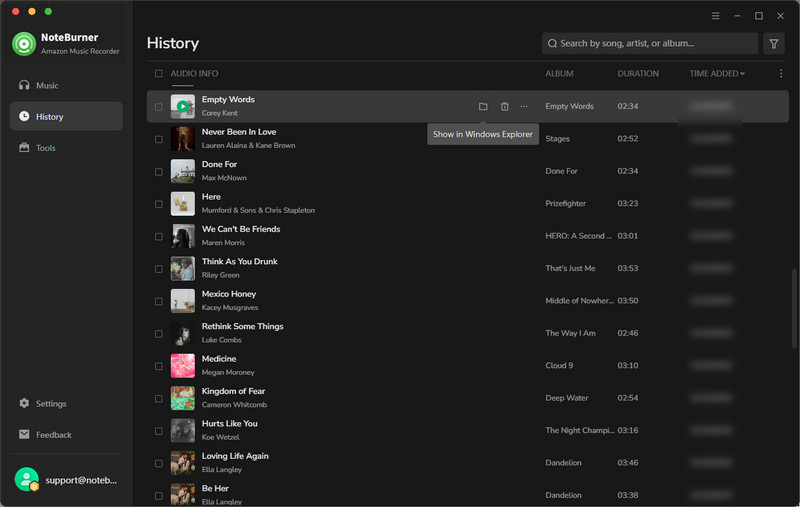
5/5Open History to find the converted MP3 files on your Mac.
Need more details? See the full Mac user guide.


Users' Say



I love that the Amazon version of NoteBurner uses the Amazon Music web interface, so there is no real learning curve. Fast and clean downloads of individual files or entire playlists. Worked every time.
I am very pleased with my purchase of Amazon Music converter. It works perfectly, without any issues. I was amazed at how well the application works. Simple to use. I like the new FLAC versions of music so I needed a solution to replace my older versions. Hat off to the developers. Now I am considering other applications. Thanks again.

I use it for building melodically mixed DJ playlists. If you take the mp3s from NoteBurner and enter them into DJ software its easy to see which songs will go together. From there you can buy whatever tracks will fit nicely into your mix.
I have bought their Amazon Music Downloader. It works great till now and the download speed is very fast. I have used it for over 6 months. 5 stars for its constant efforts and regular updates.
NoteBurner Amazon Music Converter is a well-designed audio recorder. It makes it possible to save Amazon Music songs to local computer and play it on your music player. Besides, you can use NoteBurner Amazon Music Converter to convert Amazon Music to MP3, AAC, FLAC, AIFF, WAV, or ALAC format according to your needs. Before conversion, there are flexible settings for you to choose.
Start Converting Amazon Music on Mac
Join 90M+ NoteBurner users. Try it free on your Mac today.


Got Questions? We've got answers!
Guide & Tips
Highly Recommend

All-In-One streaming music converter to download songs from Spotify, Apple Music, Amazon Music, TIDAL, YouTube Music, Deezer, SoundCloud, Vimeo, etc.

Spotify Music Converter converts Spotify songs, playlists and podcasts to MP3, AAC, WAV, FLAC, AIFF or ALAC at up to 40X speed.

Convert Apple Music, iTunes M4P songs and audiobooks to MP3, AAC, WAV, FLAC, AIFF or ALAC at up to 10X speed.

MONEY-BACK GUARANTEE
Money-back guarantee on every plan, up to 30 days.

100% SECURE
100% clean, no bundled software. All payments protected by SSL.

TRUSTED BY MILLIONS
Over 90 million users in 160+ countries since 2006.

TECHNICAL SUPPORT
Email support within 24 hours, plus free updates and upgrades.
