
Spotify Downloader Chrome Extensions are browser-based tools designed to help users download music from Spotify directly through Google Chrome. These extensions typically allow you to save songs in popular formats like MP3, manage playlists, and access your favorite tracks offline without needing the official Spotify app.
Choosing a reliable and easy-to-use Spotify downloader Chrome extension isn’t always easy. To help you decide, this article reviews some of the best Spotify Downloader Chrome extensions, with a clear breakdown of their features, pros, and cons. Additionally, a powerful desktop alternative and free online Spotify downloaders will also be mentioned. Here we go!
Skyload is a Chrome, Firefox, and Opera extension that lets users download Spotify songs from web in one click, as well as from other platforms like SoundCloud and VK. It stands out by allowing you to preview songs before downloading and by keeping ID3 tags and album covers intact. While it currently supports only the MP3 format, it offers reliable one-click downloads and batch download options for music and videos.
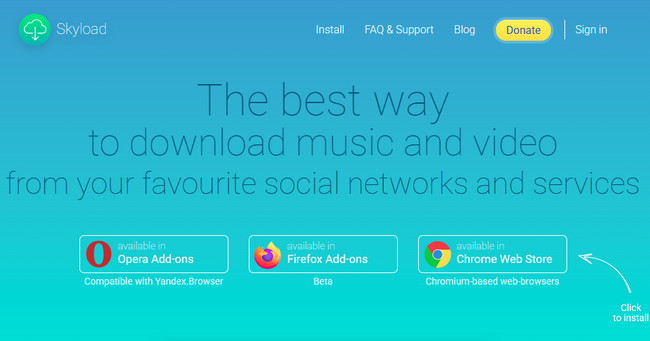
Step 1 Open the Chrome Web Store and add Skyload to your extensions.
Step 2 Go to Spotify Web Player and play the song you want to download.
Step 3 Click the Skyload icon in the Chrome toolbar.
Step 4 Select the track, click the three-dots icon, then choose Download.
Step 5 The song will be saved to your computer.
What is a Telegram Spotify bot? This article explains everything you need to know and shows you how to use these bots to download Spotify music for free!
Spotify Downloader is a paid Chrome extension designed to download Spotify music using a Chrome extension with minimal setup. Once installed, it works directly on the Spotify Web Player—simply play a track and a download button will appear in the playback bar. With a simple, clean interface, this extension allows users to save Spotify songs as local MP3 files while retaining ID3 tags. However, downloads are saved in lossy quality, and an active subscription is required, with no free trial available.
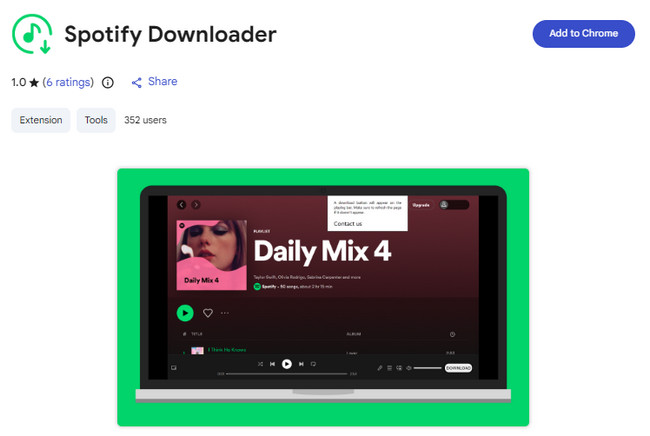
Step 1 Add Spotify Downloader from the Chrome Web Store.
Step 2 Open Spotify Web Player and play the song you want to download.
Step 3 A Download button will appear in the playback bar.
Step 4 Click Download to save the track as an MP3 file on your computer.
🚀 Want faster downloads, better sound quality, and full playlist support? Try NoteBurner!
Audio Downloader Prime allows users to download Spotify tracks to MP3 from Chrome with a clean interface and simple setup. After installation and permission approval, users can click the download icon next to a song to save it locally. The audio quality is fixed at 192kbps, making it suitable for casual listening. It works best with single tracks, while playlists often require downloading each song separately.
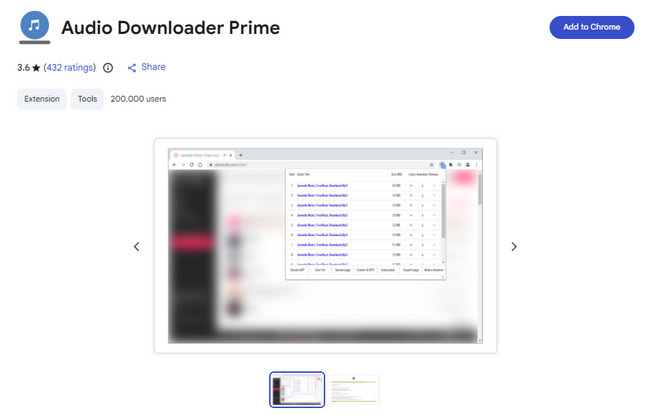
Step 1 Install Audio Downloader Prime from the Chrome Web Store.
Step 2 Open Spotify and play the track you want to download.
Step 3 Click the Audio Downloader Prime icon in the browser toolbar.
Step 4 Select the detected audio and click Download to save it as an MP3 file.
Here, we will show you detailed guidance on downloading Spotify++ on iOS or Android devices. It's free to enjoy the Spotify Premium feature.
Chrome Audio Capture is a free Spotify downloader Chrome extension that records and saves any audio playing on your computer, including Spotify music. It supports MP3 and WAV formats and allows users to customize output quality up to 320kbps. While it works with multiple platforms such as YouTube, recordings are limited to 20 minutes, do not retain ID3 tags, and may include background noise.
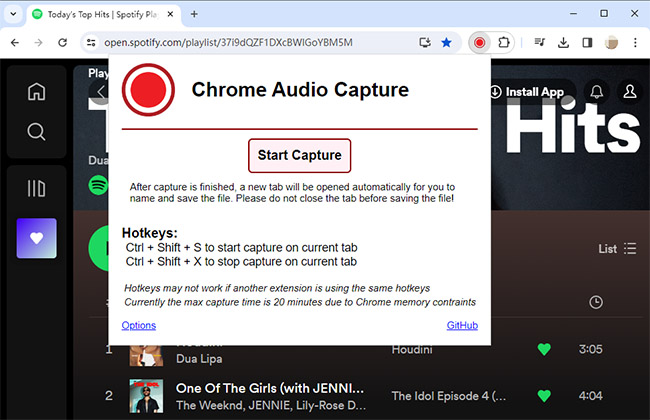
Step 1 Search "Chrome Audio Capture" in the Chrome Web Store and add it to Chrome.
Step 2 Pin the extension, open Spotify Web Player, and click the toolbar icon.
Step 3 Click Options to choose output format (MP3 or WAV) and quality.
Step 4 Click Start Capture to begin recording Spotify music.
Chrome extensions are popular for their speed and convenience. However, they also come with clear limitations. Most Spotify downloader Chrome extensions offer limited output formats, often compress audio with noticeable quality loss, fail to preserve complete ID3 tags, and may stop working after frequent website updates.
By contrast, NoteBurner Spotify Music Converter stands out as a top-tier alternative to Spotify downloader Chrome extensions. With NoteBurner, you can download Spotify songs, albums, and playlists to MP3, WAV, AAC, FLAC, AIFF, or ALAC, while keeping full ID3 tags such as title, artist, album, and cover art. It also supports MP3 up to 320kbps, delivers consistently reliable downloads, and includes free technical support, making it a professional solution for long-term Spotify music downloading.


Step 1 Select Output Settings
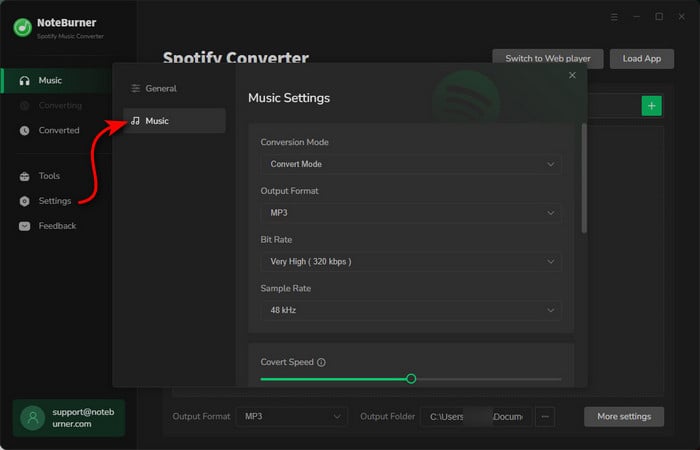
Launch NoteBurner Spotify Music Converter (choose to download songs from the Spotify App). Click the "Settings" icon to select the "MP3" format, output quality, output folder, output file name, conversion speed, and more.
Step 2 Drag Spotify Playlist to NoteBurner
Simply drag and drop a playlist from Spotify to NoteBurner. Then you'll see that all songs are listed in the window. Tick on the Spotify songs and click "Add".
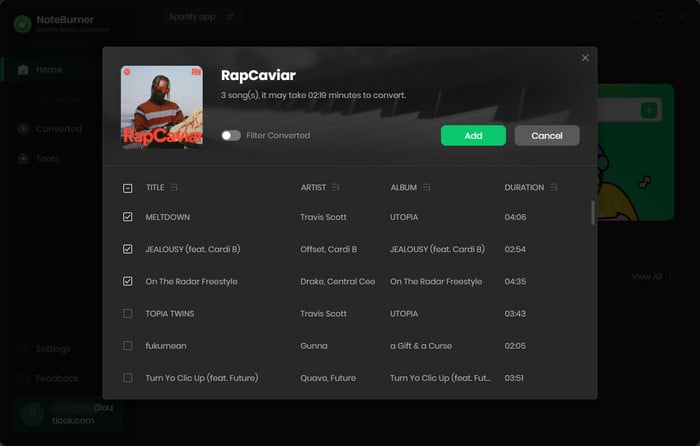
Step 3 Download Spotify Playlist
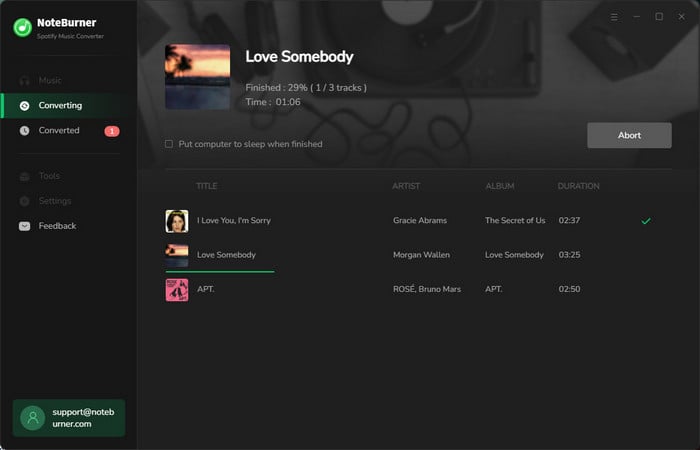
Click on the "Convert" button to start converting the Spotify playlist to the output format you have chosen. After the conversion is completed, you can click the "History" tab to find the well-converted music from your local computer.
If you prefer not to install software, online Spotify to MP3 download websites can be another option. These tools allow you to convert Spotify tracks directly in a web browser with minimal setup. However, compared with desktop converters, online Spotify downloaders often come with clear drawbacks, such as lower audio quality, no batch download support, and missing metadata like album artwork.
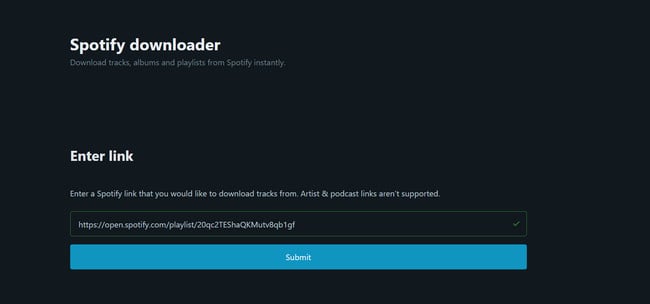
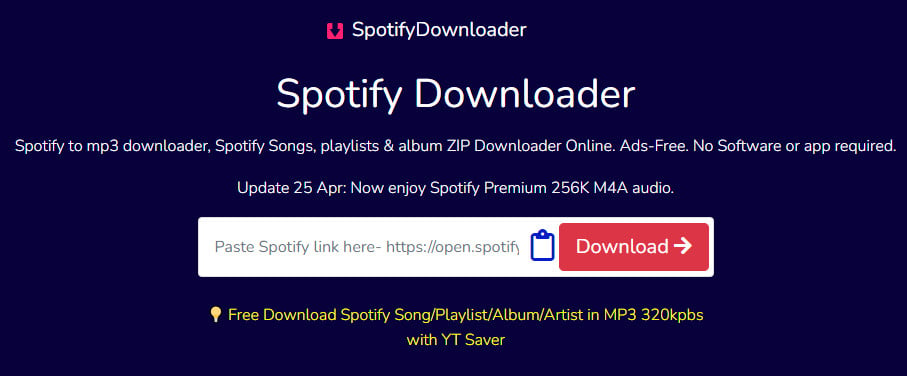
spotidownloader.com is an online Spotify to MP3 downloader that lets users download Spotify songs by simply pasting a track, album, or playlist link. It also supports batch downloading entire albums or playlists as a ZIP file, making it a convenient option for users who prefer not to install any software or Chrome extensions. However, it does not support Spotify podcasts, shows, or artist pages, and the audio quality is limited to 128kbps.
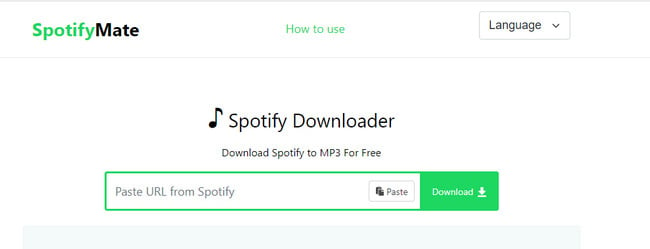
SpotMate.online is a free web tool that allows users to convert Spotify to MP3 online and enjoy their favorite tracks offline without needing a Premium subscription. It works directly in any browser on all devices, with no software installation required, and the PWA feature ensures a smooth and responsive experience.
SpotiSongDownloader.to is a free online tool that allows users to download Spotify without Premium and enjoy their favorite tracks offline. It enables downloading Spotify songs in MP3 format and exporting them to any device, whether PC or mobile, providing a convenient way to listen to Spotify content without internet access or subscription limitations.
Learn 4 reliable ways to download Spotify music as WAV in 2026. Keep high audio quality with safe tools, online conversions, and recording solutions.
In this section, we compare popular Spotify download solutions across three types: desktop software, Chrome extensions, and online websites. The table below provides a straightforward horizontal comparison of features, making it easier for you to find the tool that best fits your needs.
A Spotify downloader Chrome extension is a small tool installed in your browser that can download or capture audio directly from the Spotify Web Player. The advantage is that it requires no additional software and is convenient for quickly downloading single tracks. The downside is that most extensions only support single-track downloads or a limited number of songs, and batch downloads or high-quality output are often restricted.
Based on our testing, Skyload Chrome Extension stands out as the best-performing Spotify MP3 downloader Chrome extension in this review.
However, Chrome extensions often struggle with playlists, batch downloads, or consistent audio quality. For users who want faster downloads, better sound quality, and full playlist support, a dedicated desktop converter such as NoteBurner Spotify Music Converter can be a more reliable long-term option.
Safety varies depending on the extension. Some Chrome extensions may contain ads, redirects, or collect user information, which poses potential risks. It is recommended to use extensions from reputable developers and avoid entering your Spotify account credentials or other sensitive information.
The easiest and fastest method is to use a desktop converter like NoteBurner Spotify Music Converter. It supports batch downloads, retains ID3 tags, and lets you convert songs to MP3, WAV, or FLAC directly from the Spotify web player.
Consider your needs: if you want quick single-track downloads, a Spotify web player downloader may suffice. For batch downloads and high-quality offline MP3s, a desktop converter like NoteBurner is the best method. Chrome extensions can be convenient but are often limited in features and safety.
After reviewing different options, it’s clear that each Spotify downloader serves a different purpose. A Spotify MP3 downloader Chrome extension like Skyload works well for quick, single-track downloads.
If you want to download Spotify tracks offline in bulk or keep better sound quality and metadata, NoteBurner remains a more reliable choice. Online Spotify web player downloaders may work for occasional use, but usually come with limitations.
In the end, the best method to download Spotify music depends on how often you download and how much control you need over quality and organization.
Note: The free trial version of NoteBurner Spotify Music Converter allows you to convert the first 1 minute of each song. You can buy the full version to unlock this limitation and enable all its features.



