
 By
By
WAV is a popular audio format for listeners who care about sound quality, especially DJs, music producers, and audiophiles. However, finding the right WAV files depends on where you get your music, the quality you need, and whether you want free downloads or paid releases. In this guide, we'll compare several ways to download WAV music, including free music libraries, digital music stores, online downloaders, and streaming platforms. Let's get started!
WAV (Waveform Audio File Format) is a digital audio format known for its high sound quality. Unlike MP3, WAV is commonly used to store uncompressed PCM audio, allowing the original audio data to be preserved without lossy compression. As a result, WAV files can preserve the full detail of the recorded audio and are widely used in music production, DJing, audio editing, and other situations where sound quality matters.
However, high quality also comes with a trade-off: WAV files are much larger than compressed formats. To see where WAV stands, here is a quick comparison with MP3 and FLAC:
| Format | Compression | Sound Quality | File Size | Best For |
|---|---|---|---|---|
| WAV | Uncompressed | Lossless / High | ~10 MB/min | Music production, DJing, editing |
| MP3 | Lossy | Lower | ~2.5 MB/min | Everyday listening and easy sharing |
| FLAC | Lossless compression | Lossless / High | ~6 MB/min | High-quality listening and music storage |
So, why choose WAV when FLAC can also deliver lossless audio in a smaller file? The main advantage is its uncompressed PCM audio, which makes WAV a convenient format for professional audio workflows. It is widely supported by audio editing software, DJ applications, recording tools, and other production environments.
WAV is particularly useful when you need to edit, mix, sample, or process audio without introducing lossy compression. It is also a good choice for listeners who want to keep a high-quality master copy of their music. The downside is that WAV files take up more storage space, so they may not be the most practical option for everyday portable listening.
If you are looking for free music in WAV format, independent music libraries, open audio communities, and public domain archives are a good place to start. These WAV music download sites are particularly useful for finding royalty-free background music, samples, and classical recordings.
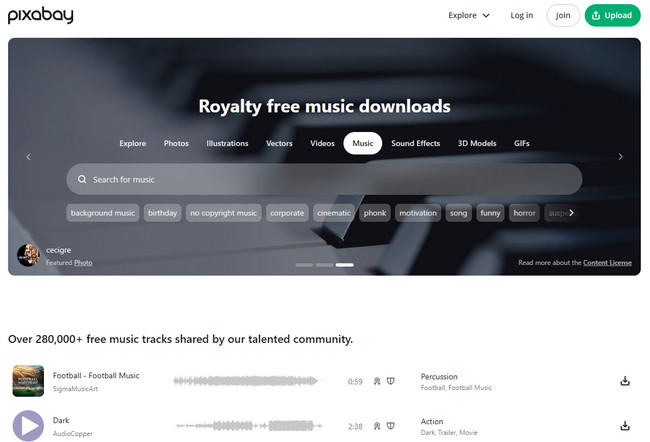
URL: https://pixabay.com/music/search/wav/
Pixabay Music focuses on free and royalty-free music for videos, podcasts, presentations, and other creative projects. Its music library covers genres such as electronic, cinematic, ambient, and classical, and some tracks are available as WAV files. It is a practical choice when you need background music or creator-friendly audio rather than commercial songs from major artists. WAV availability also varies from track to track, so you need to check the download options for individual recordings.
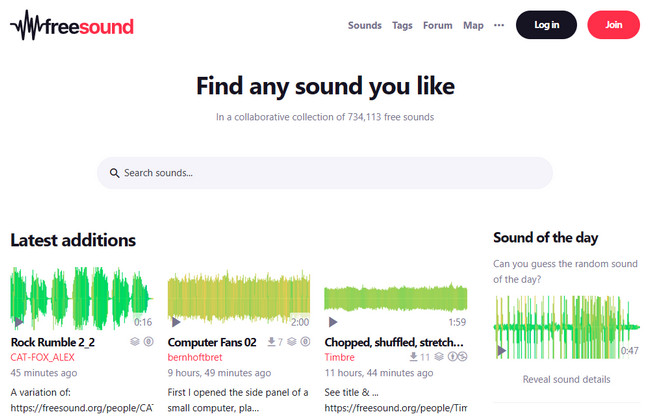
URL: https://freesound.org/search/?q=wav
Freesound is a community-driven audio library rather than a traditional music download site. It hosts sound effects, field recordings, samples, loops, and other audio assets, with many files available in WAV format. It is frequently used in music production, video editing, game development, and various creative projects. However, Freesound is not the right resource if you are looking for complete songs or albums.
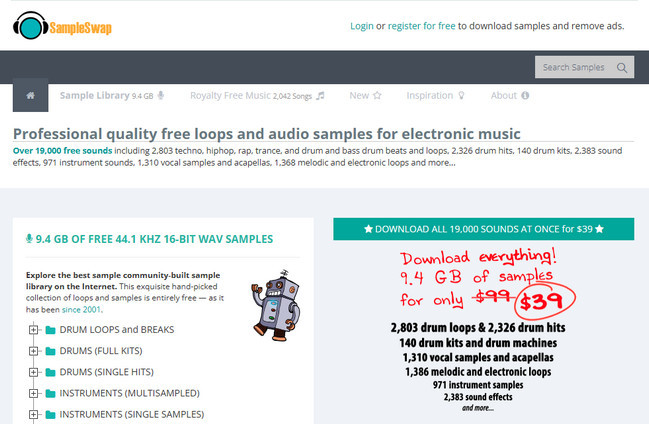
Designed for music producers, SampleSwap offers a collection of drum loops, bass samples, instrument sounds, vocal clips, beats, and other production resources. Most of these files are available in WAV format, making them well suited for music production, sampling, and remixing. It is a convenient source for producers and DJs looking for individual WAV samples and other ready-to-use audio assets.
URL: https://musopen.org/
Musopen specializes in classical music and provides recordings, sheet music, and other resources related to composers such as Bach, Beethoven, and Mozart. It is a useful destination for anyone looking for classical recordings for listening, study, or creative projects, with high-quality download options available for selected recordings.

If you are looking for high-quality commercial music in WAV format, professional digital music stores are a better choice than free download sites. You can directly purchase the individual tracks or full albums that interest you.
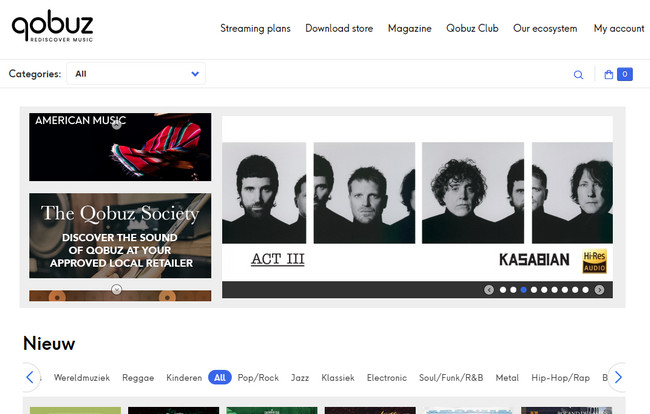
Qobuz stands out by combining a high-resolution streaming service with a dedicated digital music store. Its download store offers selected albums and tracks in WAV and FLAC, including both CD-quality and Hi-Res releases depending on the album. Unlike streaming downloads, music purchased from the Qobuz store is provided as DRM-free files, so you can keep and play the files locally without being tied to the Qobuz app. However, the cost of purchasing individual albums can quickly add up if you aim to build an extensive WAV music library.
Explore the best free Qobuz downloaders in 2026. Compare their features, ease of use, pros and cons, and follow step-by-step tutorials for each tool. Learn More →
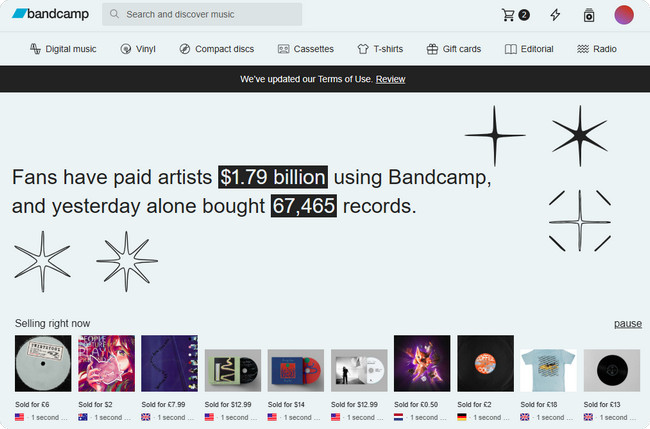
Bandcamp is a popular platform where users can purchase music directly from artists and independent labels. Once you find a release you like, you can choose from the available download formats, with many releases offering WAV alongside FLAC, AIFF, and ALAC. The catalog covers a wide range of genres, while pricing is set by the artists or labels and varies by release. Some music is available on a pay-what-you-want basis, while albums and singles are generally offered at reasonable prices.
URL: https://www.beatport.com/
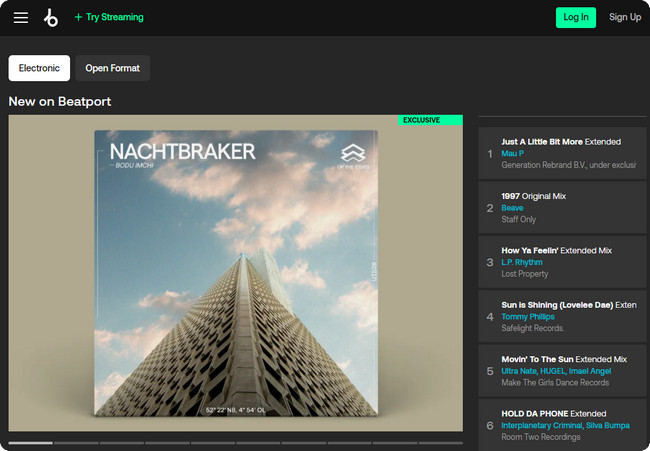
Beatport is a leading music store for DJs and electronic music fans, with a strong focus on genres such as house, techno, trance, and drum & bass. Many releases are available as WAV downloads, making Beatport a good choice if you need high-quality tracks for mixing, DJ sets, or music production. Each release comes with detailed information and DJ-focused features, although the catalog is more specialized than those of general-purpose music stores.
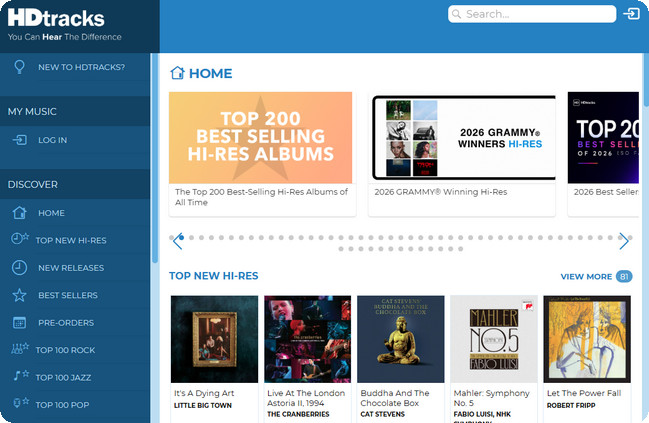
URL: https://www.hdtracks.com/
HDtracks specializes in high-resolution digital music, offering downloads in formats such as WAV and FLAC. Its catalog covers a wide range of genres, including rock, jazz, classical, and pop, with many releases available in resolutions above standard CD quality. In addition, HDtracks provides more detailed information about audio resolution and mastering than many conventional digital music stores. One thing to keep in mind is that high-resolution albums are typically priced higher than standard digital releases.
Online WAV downloaders work differently from music libraries and digital music stores. Instead of providing their own music catalogs, they extract audio from supported websites and convert it to WAV. They are convenient for occasional downloads because they usually require no software installation, but converting a lossy source to WAV does not make the audio lossless.
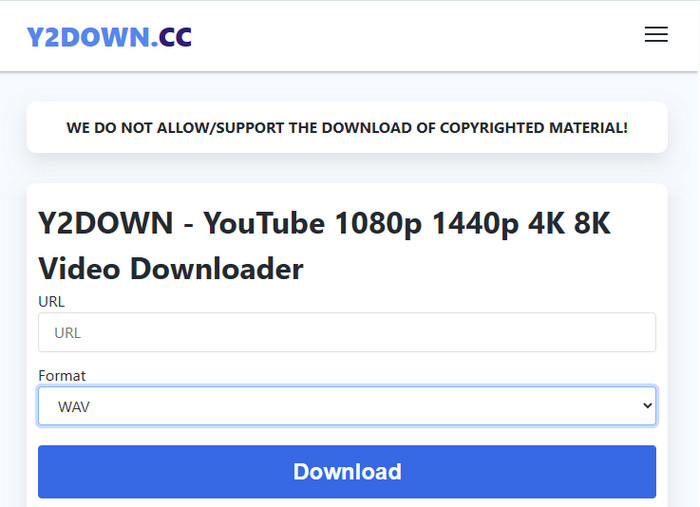
URL: https://y2down.cc/
Y2DOWN is a free online downloader that can extract audio from YouTube and several other supported platforms. It offers formats such as WAV, MP3, M4A, AAC, and OPUS, making it useful when you want to quickly save online music as an audio file without installing a desktop program. However, some download buttons may redirect to external advertising pages, so you should pay attention to the page you are opening and avoid clicking unfamiliar links.
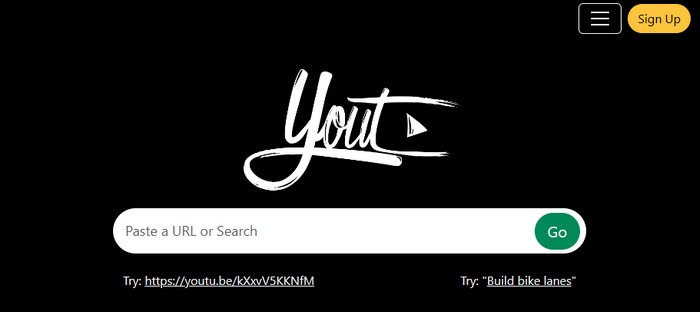
URL: https://yout.com/
Yout provides a simple way to turn YouTube videos into downloadable audio files, including WAV. You can paste a YouTube URL into the site, then choose the audio format and adjust options such as the audio duration and quality before downloading. It also allows you to edit basic information such as the title and artist, which is useful when organizing downloaded files. The trade-off is that metadata is not fully preserved, and the service does not provide batch downloading for multiple tracks at once.
Explore the best free YouTube to WAV converter tools online in 2026. Convert YouTube videos to WAV audio files quickly and safely with 100% free tools. Learn More →
If you want access to mainstream music while still caring about audio quality, streaming platforms are another option worth considering. Services such as Qobuz, Spotify, Apple Music, TIDAL, and Amazon Music offer huge catalogs and increasingly support lossless or high-resolution audio.
| Platform | Lossless Format | Maximum Quality | Notes |
|---|---|---|---|
| Qobuz | FLAC | 24-bit / 192 kHz | Hi-Res streaming; WAV available for purchased downloads. |
| TIDAL | FLAC / HiRes FLAC | 24-bit / 192 kHz | Hi-Res FLAC available for supported tracks. |
| Apple Music | ALAC | 24-bit / 192 kHz | Most of the catalog is available in Lossless or Hi-Res Lossless. |
| Amazon Music Unlimited | FLAC | 24-bit / 192 kHz | HD and Ultra HD lossless audio. |
| Spotify Premium | FLAC | 24-bit / 44.1 kHz | Lossless available for eligible Premium users. |
There is one important limitation, though. Streaming services are designed for playback inside their own apps. Even when you download lossless music for offline listening, the files are tied to the service and are not provided as ordinary WAV files that you can freely move to a DJ program, MP3 player, car stereo, or other devices. If you specifically need local WAV files rather than the platforms' native lossless formats, you'll need a different approach. The next section looks at one way to do this.
Streaming platforms offer a convenient way to enjoy lossless and Hi-Res music, but they don't normally provide ordinary WAV files for you to keep and use freely. If you want to save streaming tracks as local WAV files, a music converter can bridge that gap by converting the audio into your preferred format. Here's one option worth considering.
Official Website: https://www.noteburner.com/noteburner-music-one.html
NoteBurner Music One is a desktop solution for turning music from multiple streaming services into local audio files. It supports major platforms including Spotify, Apple Music, Qobuz, TIDAL, Amazon Music, YouTube Music, SoundCloud, and more. More importantly for this guide, it lets you choose WAV as the output format and save the converted tracks directly to your computer.
When downloading music as WAV, the available output quality depends on the original source. The software supports up to 24-bit/192 kHz when the source track is available at that quality. You can also batch-download entire playlists or albums. This feature is particularly useful when you want to build a large, high-quality music library.
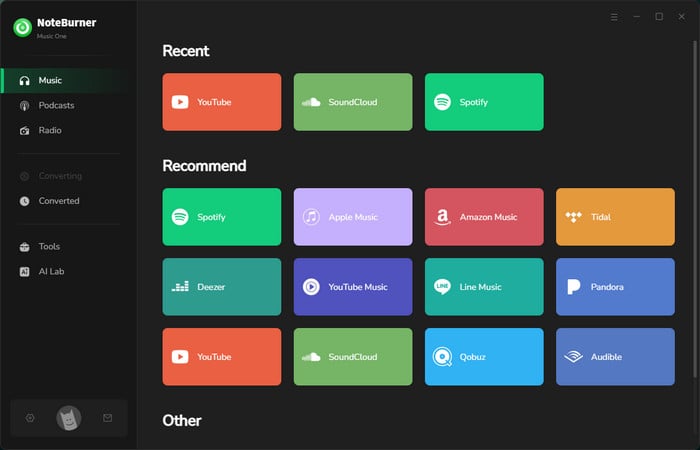
Step 1 Download and launch NoteBurner Music One, then choose Spotify as the music source.
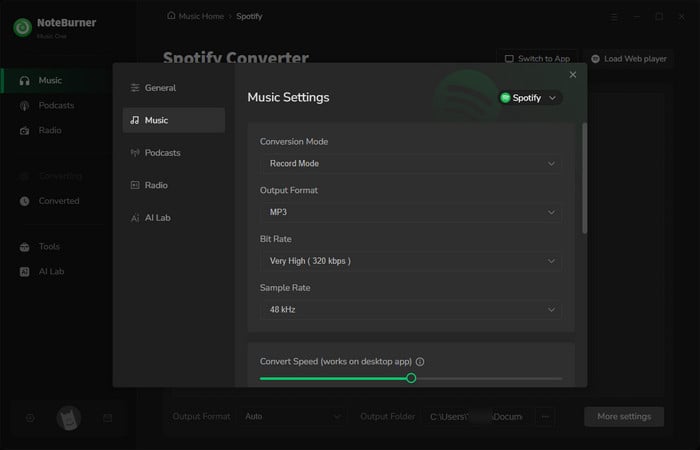
Step 2 Open the Settings window and select WAV as the output format. You can also adjust the available audio quality and other output settings.
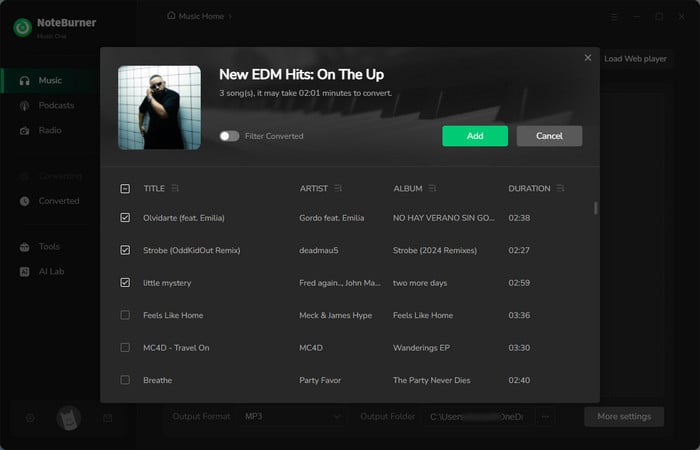
Step 3 Find the songs, albums, or playlists you want to download from the Spotify web player, then click Add to load them into NoteBurner.
Step 4 Click Convert to start converting the selected Spotify tracks. NoteBurner will save them in the WAV format you selected.
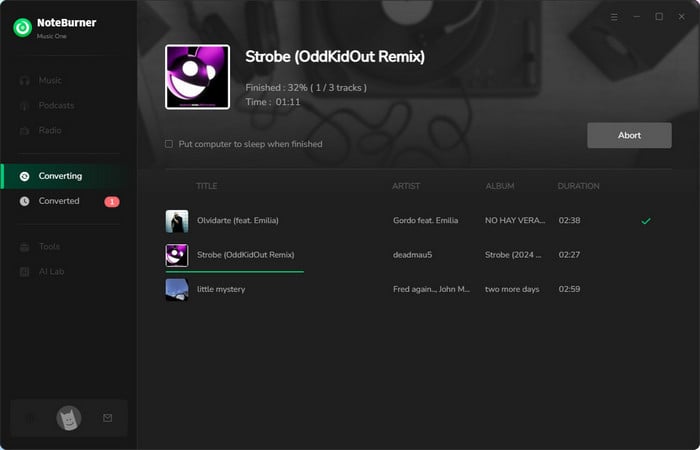
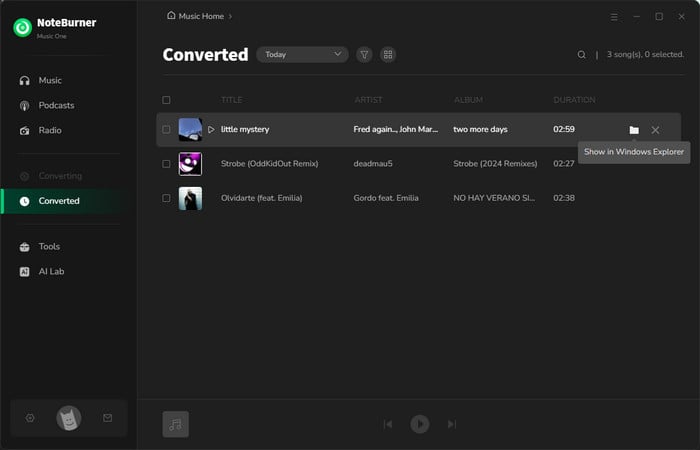
Step 5 Once the conversion is complete, open the History tab to find your downloaded WAV files. The files are saved locally on your computer and can be accessed through your chosen output folder.
Disclaimer: For personal/educational use only. 🚫 Do not distribute downloaded music/video for commercial use.
Convert Spotify music to WAV with the top 7 free Spotify to WAV downloaders in 2026 review, from dedicated apps to online free tools to cover all needs. Learn More →
This table summarizes the key differences between four methods for downloading WAV music and offers recommendations on the most suitable use cases to help you make a choice.
| Method | Audio Quality | WAV Availability | Music Selection | Cost | Best For |
|---|---|---|---|---|---|
| NoteBurner WAV Music Downloader | Original audio quality | WAV output | Huge mainstream catalogs | Paid | Downloading mainstream music as WAV |
| Free Music Sites | Varies | Often available | Independent, royalty-free, classical, samples | Free | Free WAV music and creative projects |
| Digital Music Stores | Lossless / Hi-Res | Direct WAV on selected stores | Commercial music | Paid | Buying original WAV files |
| Online WAV Downloaders | Depends on source | WAV conversion | Supported online sources | Free | Occasional downloads |
A standard 3-4 minute CD-quality WAV song takes about 30MB to 50MB. High-resolution (Hi-Res) WAV files can reach 100MB to 150MB per track. That is roughly 5 to 10 times larger than a typical MP3.
WAV is an older format with weak support for ID3 tags, meaning extra information like covers or lyrics often fails to save properly. You can use a tag editor to add them manually, or use formats like FLAC or AIFF for better metadata support.
Not always. Many free online sites rely on pop-up ads, which may contain misleading links or malware. Always use trusted sites with HTTPS encryption, and never download .exe files disguised as audio tracks.
No. MP3 files have already lost audio data during compression. Converting MP3 to WAV just puts lower-quality audio into a bigger file container without bringing back missing details.
It depends on the original stream quality. Platforms like Spotify use compressed formats, so saving them as WAV won't create true uncompressed audio. However, platforms offering lossless audio can be converted into real WAV files using tools like NoteBurner Music One, which preserves the available source audio quality.
Choose WAV if you need maximum compatibility with editing software, DJ gear, or professional hardware. Choose FLAC if you want to save storage space while keeping lossless audio and better metadata support.
Looking for a free WAV to MP3 converter? In this tutorial, we will introduce top 8 free WAV to MP3 Converters. Learn More →
This article introduces four ways to download WAV music: NoteBurner WAV Music Downloader, free music sites, digital music stores, and online WAV downloaders. Each method serves a different purpose, depending on the type of music you need, your budget, and how much you care about audio quality.
If you want to download mainstream music as WAV files, NoteBurner Music One is a practical choice, especially when you need a large catalog, high-quality output, and batch downloads. Free music sites are better for royalty-free tracks, samples, classical recordings, and other free audio resources. If you prefer to own original files, digital music stores are the better option for purchasing WAV or Hi-Res music. Meanwhile, online WAV downloaders are convenient for occasional downloads when you want a quick, software-free solution.
In short, there is no single best way to download WAV music for everyone. Choose the method that best matches your music source, audio requirements, and budget.
Note: The free trial version of NoteBurner Music One is limited to converting the first 1 minute of each song. You can purchase the full version to remove this limitation.




