
 By Annie Cale
WAV Ninja stands out for its free service and simplicity—you just input the YouTube URL, and it soon converts the video/audio to WAV, without any installs or sign-up. Sadly, wav.ninja is down, you cannot access it anymore. Seeking any WAV Ninja alternatives? This page collects 6 tested YouTube to WAV converters, from a WAV lossless desktop alternative to online YouTube to WAV options.
| Quick Verdict: Which WAV Ninja Alternative Is Best? | ||
|---|---|---|
| ★ Best Overall Alternative | NoteBurner Music One | No Ads, Batch Downloads, Full Metadata |
| Best Free Online | youtubetowav.ai | Free, No Registration, No Installation |
Yes, wav.ninja site has been shut down since January 2026; it is no longer works. We tested it in person and found that you'll encounter a connection error or a blank page when clicking on the website link.
No one quite knows why it shut down; no announcement was made. The most likely reasons are legal pressure around YouTube audio extraction or server errors. Wherever it goes, to continue converting YouTube to WAV, you need to move to other working alternatives. Let’s jump to the next part.
Website Link: https://www.noteburner.com/noteburner-music-one.html
Why choose it as an alternative: Batch download full YouTube playlists and videos to WAV, with no ads along the way.
Overall experience rating:⭐⭐⭐⭐⭐ (Trustpilot Rating: 4.3/5)
In our comprehensive test, NoteBurner Music One NoteBurner Music One, unsurprisingly, ranks among the best alternatives to WAV Ninja. The built-in YouTube Music Downloader and YouTube to WAV converter effortlessly convert YouTube music, videos, and shorts to WAV, MP3, MP4, and more, with full metadata embedded.
Instead of downloading a single YouTube URL like WAV Ninja and other online tools, NoteBurner YouTube to WAV converter handles full playlists in one click; no YouTube Premium needed. You're free to keep YouTube Music playable on any portable device via USB or make your YouTube library for offline listening.
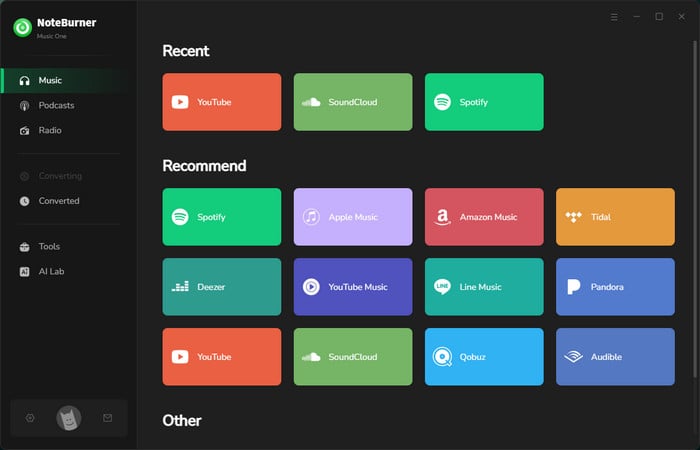
Add YouTube Video/Songs
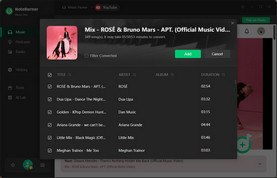
Select YouTube, and the embedded YouTube web player pops up. Find the video, then click the "+" button at the lower right.
Select WAV Audio Format
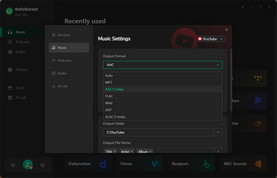
Click on Settings. Select WAV as the audio format, then choose the output quality and others.
Download YouTube Video as WAV
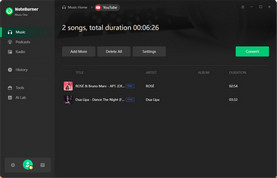
Click the "Convert" button to start YouTube to WAV downloads. With all done, go to "History" to view all the YouTube WAV audio.
Website Link: https://aquapp.net/youtube-to-wav/
Why choose it as an alternative: Extract WAV audio from a YouTube video with no sign-up.
Overall experience rating: ⭐⭐⭐
Here, the Aqua App (aquapp.net) serves as a free online WAV Ninja alternative, which also offers simple and instant YouTube to WAV conversion. With a simple search box, you input the video link or related title keywords, and it generates a WAV audio download option, plus other formats.
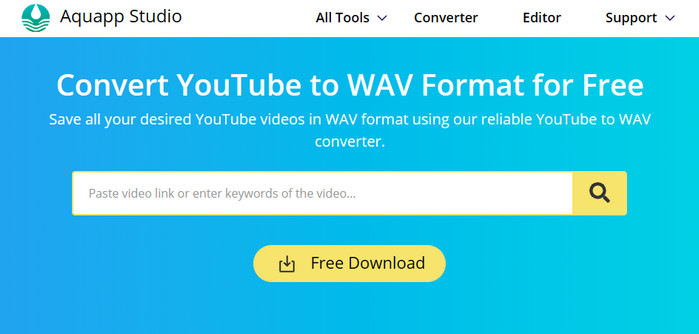
Step 1 Copy and paste the YouTube link (or title) into the input field of aquapp.net, then click on the search logo.
Step 2 Once the link is processed, the converter shows you different options.
Step 3 3.Navigate to Audio > WAV, and click the button "Download WAV."
Website Link: https://y2mate.yt/en/
Why choose it as an alternative: Convert YouTube to WAV, MP3 and more formats online-totally free of charge.
Overall experience rating: ⭐⭐⭐
Apart from the website wav.ninja, y2mate.yt gets the similar job done-convert online YouTube video & audio to local WAV files alongside MP3, MP4, and others. Since it is browser-based, you can keep it running on both your computer and mobile. But there's a catch upon testing: each step triggered banner ads and redirects.
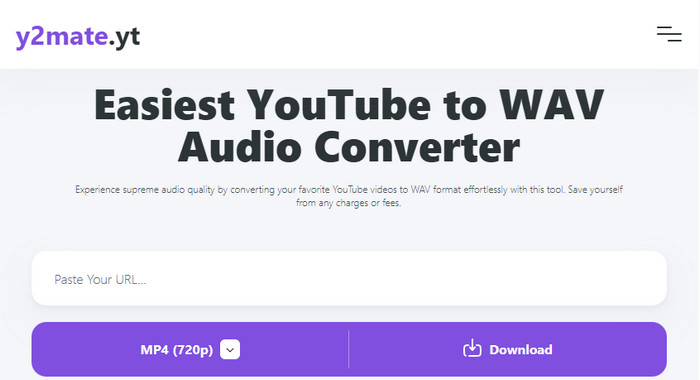
Step 1 Tap Share > Copy Link of the desired YouTube song/video, and paste it into y2mate.yt.
Step 2 Choose WAV format and click on the Download button
Step 3 Once the video is extracted and presented, click on "Download Complete." Now wait for the process.
Read a deep review on Y2Mate and its safe alternative.
Website Link: https://youtubetowav.ai/
Why choose it as an alternative: Easily download YouTube videos to WAV, no login required.
Overall experience: ⭐⭐⭐⭐
youtubetowav.ai is an online website that is focused on converting YouTube to WAV, nothing else. It features a less cluttered interface; you'll clearly know how to start the WAV conversion correctly. Nearly zero ads while using, and no prompts for installing dedicated apps. However, note that it is not an advanced solution for converting YouTube videos in batches.
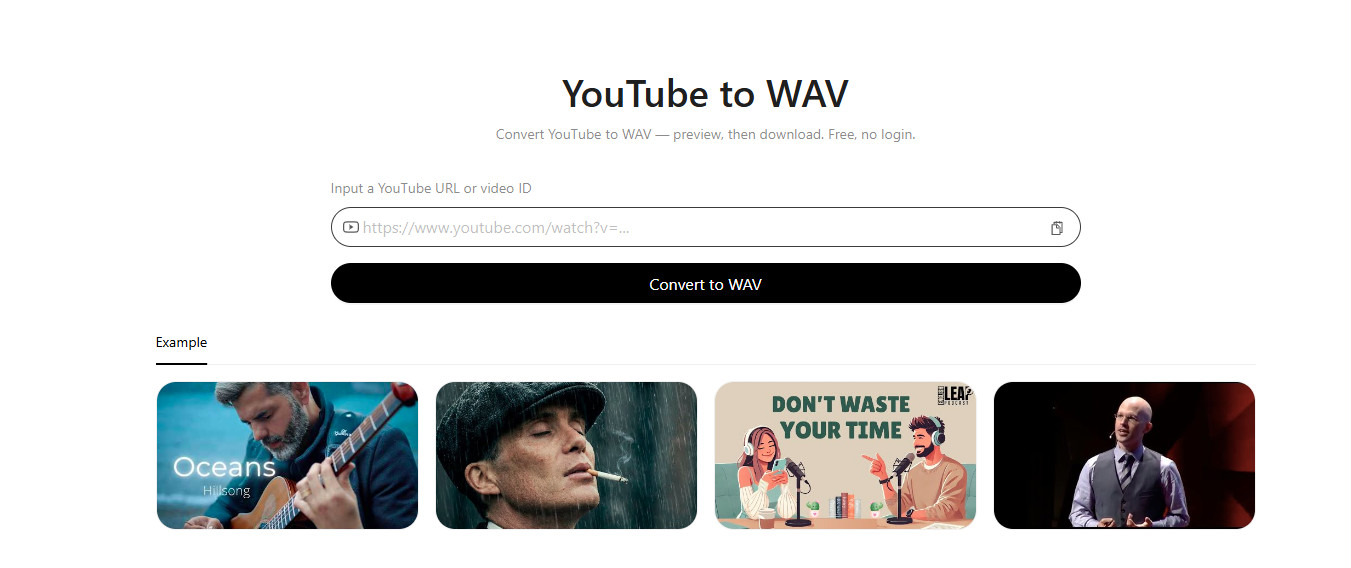
Step 1 From the specific YouTube video's address bar or Share → Copy Link.
Step 2 Click "Convert to WAV" and wait for the loading.
Step 3 Once ready, re-click the Download button to start conversion.
Website Link: https://yout.com/
Why choose it as an alternative: It packs free YouTube video to WAV converter and metadata editor.
Overall experience: ⭐⭐⭐
Another wav ninja not working alternative. Yout packs a flexible format shift, which converts YouTube video URLs into WAV, MP3, and MP4, with full metadata. Another good point is that this converter allows you to edit the metadata details, such as title & artist, and you can download a specific segment of the video. It works through the browser; the whole workflow does not pose you ads or additional setup.
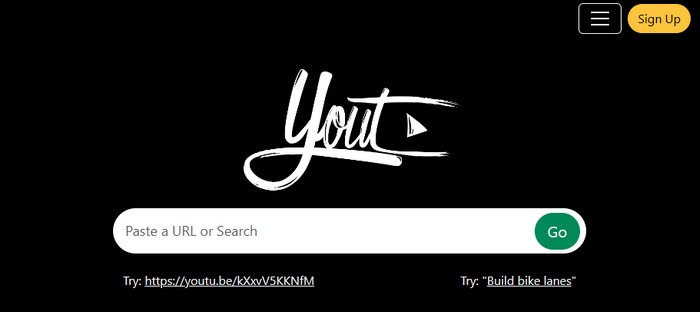
Step 1 Enter the video link into the Yout converter, and click the "Go" button.
Step 2 Choose the audio quality, and you can also trim the video duration for later downloads.
Step 3 Click on Format Shift to WAV.
Website Link: https://yttowav.net/
Why choose it as an alternative: Quickly download YouTube WAV audio offline—no registration, no fees.
Overall experience: ⭐⭐
This free YouTube to WAV converter runs directly on any browser, letting you convert YouTube videos to WAV and MP3s- all free from installation and registration. It processes faster than the online YouTube converters aforementioned, usually returning a downloaded WAV file in a few seconds. But as online tools do, you have to endure the endless ads.
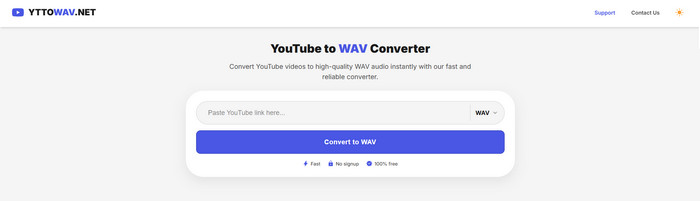
Step 1 Put the shareable YouTube video link in the input field of yttowav.net.
Step 2 Click on the button "Convert to WAV" to let it process the link.
Step 3 Click "Download WAV." Once finished, you can find the converted files in the local folder.
Looking for more free & safe YouTube to MP3 sites? Discover 10 virus-free sites with high-quality audio — download quickly without ads!
So, which Wav Ninja alternative should you choose to download YouTube as WAV files? Based on the analysis and tests above, we summarized these YouTube-to-WAV converters in a quick table.
| Tool / Platform | Type | Website Stability | Download Formats | WAV Output | Metadata | Free | No Ads | Batch |
|---|---|---|---|---|---|---|---|---|
| NoteBurner | Desktop | High | WAV, MP3, MP4, FLAC, AAC, ALAC | 320kbps | Fully kept | Trial available | ☑️ | ☑️ |
| aquapp.net | Online | Medium | WAV, MP3, FLAC, AAC, M4A, OGG, WEBA | 256kbps for Web, 320kbps for desktop | The video title only | ☑️ (3 free Downloads per day) | ☑️ | ✘ |
| y2mate.yt | Online | Medium | WAV, MP3, M4A, FLAC, OGG, etc. | 256kbps | The video title + channel tags | ☑️ | ✘ | ✘ |
| youtubetowav.ai | Online | Low | WAV | ~256kbps | The video title only | ☑️ | ☑️ | ✘ |
| Yout | Online | Low | WAV, MP3, MP4 | Free: 128kbps, Pro:256kbps | Fully kept | ☑️ | ☑️ | ✘ |
| YTTOWAV.NET | Online | Low | WAV, MP3 | 128kbps src | The video title + channel tags | ☑️ | ✘ | ✘ |
| WAV Ninja | Online | Shut Down | WAV | 128-256kbps | The video title | ☑️ | ☑️ | No |
For online, free, ad-free conversions like WAV Ninja, choose youtubetowav.ai, aquapp.net, Yout.
For both the simple workflow of WAV Ninja, and more stable and versatile WAV conversions, NoteBurner Music One is the honest answer. The built-in YouTube to WAV converter delivers high-quality WAV output, no ads, proper metadata, batch support.
Explore the best free YouTube to WAV converter tools online in 2026.
Not 100% safe. Some web-based tools, like YTTOWAV.NET, show ad banners on the interface and redirect you on each attempt to download WAV files. Use these tools with caution, and enable an ad blocker to reduce distractions.
No. Wav. Ninja and its online alternatives output an uncompressed WAV container, which is only larger than an MP3 of equivalent quality —not "lossless." Honestly, some audio streams are only 128kbps. For higher-quality YouTube WAV output, NoteBurner Music One provides a solid solution.
Not necessarily. The original YouTube audio is already compressed. Converting YouTube to WAV doesn't restore audio information that was already lost through source compression.
Disclaimer: For personal/educational use only. 🚫 Do not distribute downloaded music/video for commercial use.
With WAV Ninja no longer available, you’ll need to look elsewhere to convert YouTube audio to WAV. If you prefer the same free, browser-based approach, online converters like the ones mentioned above deserve your trying one by one. But, notably, some carry ads, pop-ups, or redirects, so it’s a good idea to stay cautious when using unfamiliar sites.
If you’d rather avoid those ad interruptions, NoteBurner Music One is a safe and lossless WAV desktop alternative. You can safely convert YouTube audio and video to WAV, with zero quality loss.
Note: The free trial version of NoteBurner Music One is limited to convert the first 1 minute of each song. You can buy the full version to unlock the limitation.



