
Downloading music from YouTube lets you enjoy your favorite tracks offline — perfect for workouts, commutes, or relaxing moments. But finding a truly safe, high-quality YouTube to MP3 download site can be challenging. Many free sites bombard you with intrusive ads, frustrating speed limits, or even malware risks.
We re-tested every tool on this list in 2026 and kept only the ones that still work: 10 free YouTube to MP3 sites, plus 2 desktop converters for playlists and batch jobs. For each pick you'll see how heavy the ads really are, what bitrate you actually get, and where it failed in our tests — enough to choose the right one for podcast archiving, playlist building, or saving educational content. Ready to get started? Keep reading!
When selecting a free YouTube to MP3 download site, you may care most about safety, ease of use, and being ad-free or having safe ads. Here are 10 reliable options for secure and easy downloading, rated on our own testing alongside their public Trustpilot scores.
| Site | Recommendation | Formats | Supported Source | Audio Quality | Ads | Stability | Trustpilot TrustScore |
|---|---|---|---|---|---|---|---|
| YTMP3 | ⭐⭐⭐⭐ | MP3 MP4 |
YouTube | Up to 256kbps (varies) |
Medium | Medium | 3.0/5 |
| Y2Mate.is | ⭐⭐⭐ | MP3 MP4 |
YouTube | 128kbps | Medium | Medium | 4.5/5 |
| Any Video Converter Free | ⭐⭐⭐⭐ | MP3 WAV M4A etc. |
YouTube & 100+ Sites | High (Configurable) |
No Ads | High | 4.9/5 |
| YT1S | ⭐⭐⭐ | MP3 | YouTube | Inconsistent | Low | Medium | 3.0/5 |
| SSYouTube | ⭐⭐⭐ | MP3 MP4 |
YouTube, Facebook, Instagram, Twitter, TikTok | Medium | High | Medium | 2.6/5 |
| EzMP3 | ⭐⭐⭐ | MP3 | YouTube | Up to 320 kbps | Low | Medium | 4.6/5 |
| Y2meta | ⭐⭐⭐ | MP3 MP4 |
YouTube | 320 kbps | Medium | Medium | 3.2/5 |
| MP3Juice | ⭐⭐⭐ | MP3 | Search + YouTube Link | 128kbps | Medium | High | 3.7/5 |
| Loader.to | ⭐⭐⭐ | MP3, MP4, M4A, WEBM, FLAC, OPUS, WAV | YouTube | 256kbps | High | Low | 3.6/5 |
| CnvMP3 | ⭐⭐⭐⭐ | MP3 MP4 |
YouTube, TikTok, Instagram, etc. | 320 kbps | Low | High | 4.9/5 |
Official website: https://ytmp3.gl/
Our rating: ⭐⭐⭐⭐
Trustpilot TrustScore: 3.0 out of 5 stars (based on 54 reviews)
YTMP3 is the most popular online tool that allows you to convert YouTube videos into MP3 for free. Whether you're downloading music, podcasts, or soundtracks, it provides an efficient way to save audio for offline listening. The process is simple and hassle-free.
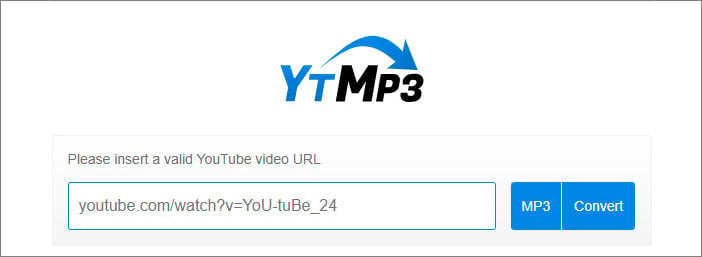
It does what it claims — paste the link into the box, start the conversion, and the audio comes out as an MP3. Note that the output is capped at 128–256 kbps, below the original.
Official website: https://en2.y2mate.is/app-emow/
Our rating: ⭐⭐⭐
TrustScore: 4.5 out of 5 stars (based on 336 reviews)
Y2Mate is a free and easy-to-use YouTube to MP3 Downloader Online that works directly in your browser. Simply copy and paste the YouTube URL, and it will quickly convert the video to MP3 files. Besides, you can easily convert YouTube videos to MP4 with basic tags kept.
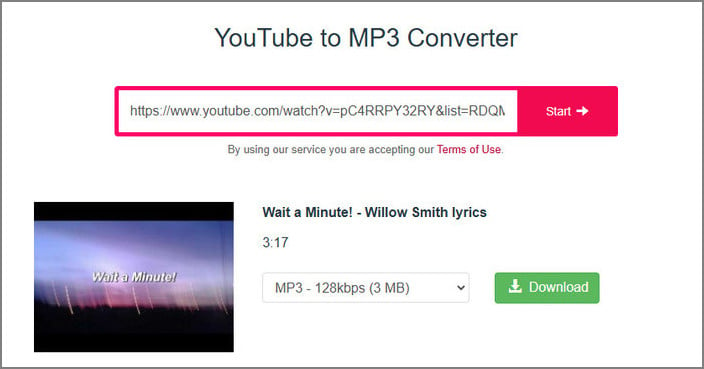
Getting started was easy on this website. Input the YouTube URL, choose MP3, and wait a few seconds for the process. Be advised that the button "Download MP3" actually does not give you a direct output file; it leads you to unrelated pages, so you have to pay attention to where you're clicking.
Official page: https://www.any-video-converter.com/en8/for_video_free/
Our rating: ⭐⭐⭐⭐
Trustpilot TrustScore: 4.9 out of 5 stars (based on 997+ reviews)
Any Video Converter Free is a versatile, free tool that supports downloading videos from over 100 websites, including YouTube. It allows you to convert YouTube videos to MP3, M4A, WAV, and other popular formats. It also offers editing features to improve audio quality and customize your MP3 files.
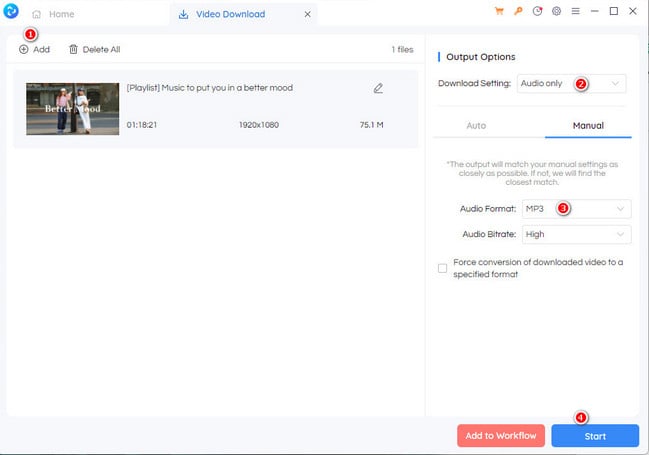
The interface is clean enough, and it does more than conversions. During testing, the tool lets you tweak audio settings, trim parts of a video, or even adjust quality before saving. We added a few videos, and the batch download feature actually works, which is a huge time-saver compared to one-by-one online tools.
Explore the best free YouTube to WAV converter tools online currently. Convert YouTube videos to WAV audio files quickly and safely with 100% free tools.
Official website: https://yt1s.blog/
Our rating: ⭐⭐⭐
Trustpilot TrustScore: 3.0 out of 5 stars (based on 9 reviews)
YT1S lets you easily convert YouTube videos to MP3. Just a few clicks, and you can download your favorite music or audio from YouTube in high-quality MP3 format. It works on Mac, Android, and Windows, so you can enjoy your downloads anytime, anywhere.
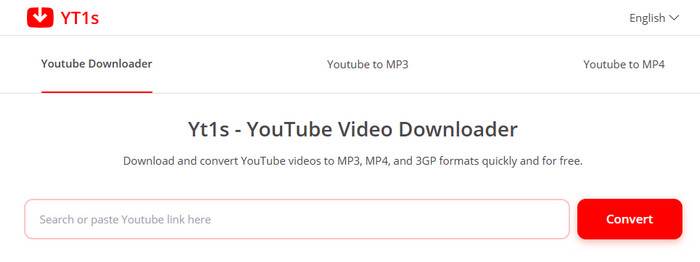
Intuitive even for beginners. At the first glance, there are no ads in the interface. But the redirects are hidden on the download button. Still, it has many similar domains, like yt1s, yt1d, and others, so you need to take time to find the actually working and safer ones.
Official website: https://ssyou.online/en1401Yd/
Our rating: ⭐⭐⭐
Trustpilot TrustScore: 2.6 out of 5 stars (based on 12 reviews)
SSYouTube.online is a safe and secure tool to download YouTube videos and convert them to MP3 or MP4. With just a few clicks, you can easily save your favorite videos or music from YouTube in high-quality formats. However, from our test results, some video files cannot be downloaded as MP3 files, and instead, only M4A audio files can be downloaded.
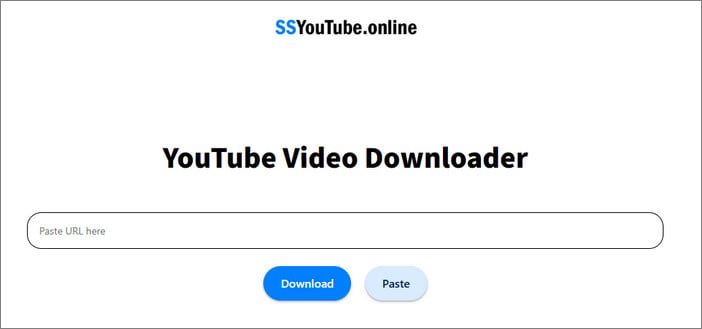
We tried to download videos and other media from YouTube, Facebook, and other platforms. With many quality options for audio & video to choose from, you just choose the desired one and wait for the download.
But for long videos, it is not 100% working. It takes noticeably more time to analyze them, and in some cases, the tool failed to process the link altogether.
Official website: https://ezmp3.net/en14/
Our rating: ⭐⭐⭐
Trustpilot TrustScore: 4.6 out of 5 stars (based on 39 reviews)
EzMP3 is an online tool designed to convert YouTube videos to MP3 audio files (including YouTube shorts). It allows users to extract the audio from YouTube videos, making it convenient for offline listening.
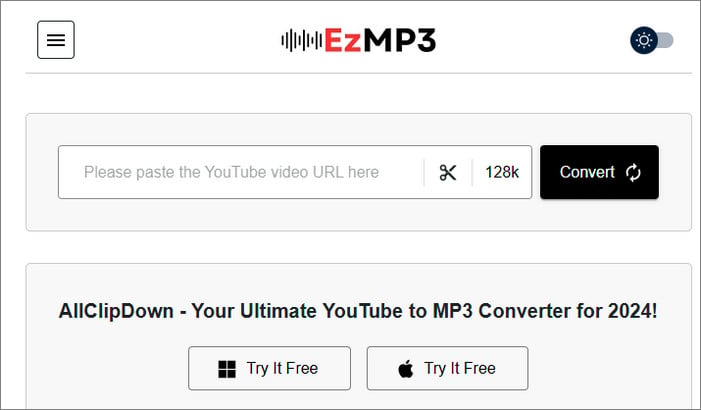
We don't need an account signup and third-party software installation, as each YouTube download runs right from the browser. It offers unlimited downloads of YouTube content, but not all YouTube videos are downloadable; the download failure rate is around 50%.
Official website: https://us-y2meta.com/
Our rating: ⭐⭐⭐
Trustpilot TrustScore: 3.2 out of 5 stars (based on 1 review)
Y2meta is an easy-to-use and free YouTube downloader that lets you download YouTube videos to MP3. It offers high-quality audio in a range of bit rates, including 64kbps, 128kbps, 192kbps, 256kbps, and 320 kbps.
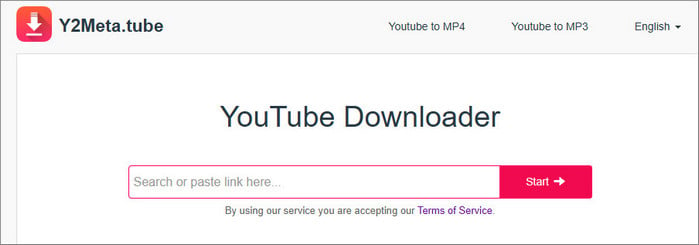
It downloads the YouTube video to MP3 with basic tags kept. But each step doesn't skip the pop-ups or redirects.
Official website: https://freemp3juice.com/
Our rating: ⭐⭐⭐
Trustpilot TrustScore: 3.7 out of 5 stars (based on 1 review)
As one of the best alternatives to Y2Mate online free, MP3Juice YouTube to MP3 Converter lets you quickly convert and download YouTube videos as MP3 audio file (or MP4 video files). It lets users quickly download MP3 files without installing software or signing up. The process is simple: just paste the YouTube video link into the site, choose the MP3 format, and the conversion begins instantly.
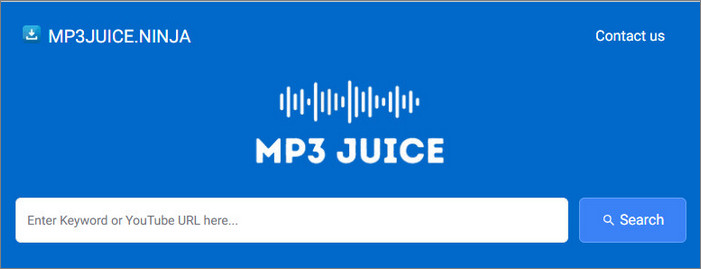
MP3 Juice queries YouTube for content using the keyword or video URL. Scroll through the results to find the exact song. Each result will usually show the title, artist, bitrate, and source it comes from.
Naturally, it downloads songs from YouTube, so there can be low-quality output.
Official website: https://en.loader.to/4/
Our rating: ⭐⭐⭐
Trustpilot TrustScore: 3.6 out of 5 stars (based on 2 reviews)
Loader.to is a free online YouTube Playlist to MP3 site that allows you to convert and save YouTube music & videos to MP3 formats in various qualities. The website also supports downloading YouTube videos in 1080p, 1440p, 4k.
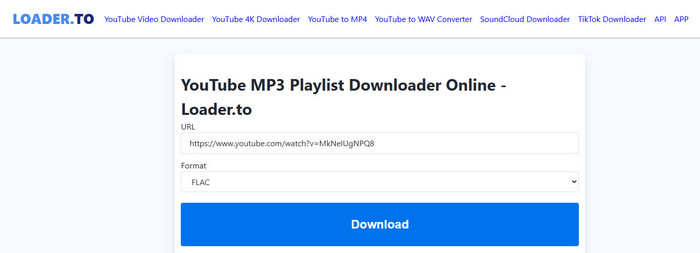
In the single-video download test, it successfully downloads the MP3 locally, with full tags retained. But for the advertised playlist download, it does not work as expected. The connection timeout occurs occasionally. You need to retry it multiple times.
Official website: https://cnvmp3.com/v55
Our rating: ⭐⭐⭐⭐
Trustpilot TrustScore: 4.9 out of 5 stars (based on 1.3k reviews)
Another free online YouTube to MP3 website, CnvMP3, turns YouTube videos or shorts into MP3 & MP4 files. Unlike some online tools, it is good for straightforward conversions without jumping through hoops or weird pages.
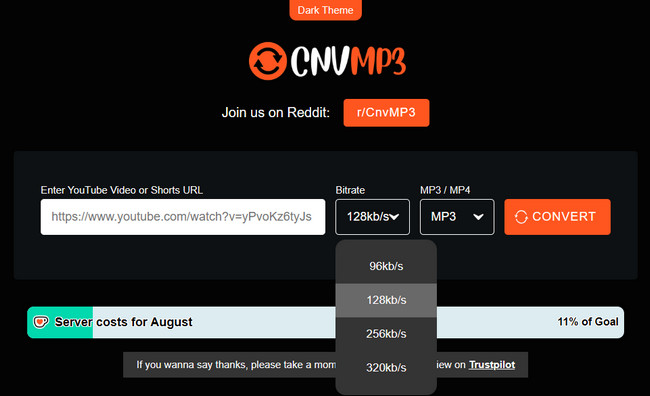
Overall, it works the best among all YouTube to MP3 sites. Ad-free interface and fast downloads are a bonus. 9 out of 10 tested videos are smoothly saved as MP3 or MP4 files, and all done without any suspicious advertisements.
Online YouTube to MP3 download sites offer convenience, allowing users to quickly download MP3 audios without needing to sign up, install software, or worry about device storage space. However, there are some risks to be aware of. Here are some helpful tips to ensure a safer and better experience.
Many sites are filled with intrusive ads that can disrupt your experience.
Many free YouTube download sites are funded by third-party ad networks, which is where the aggressive redirects and fake download buttons come from.
Many sites frequently change their links due to DMCA complaints, making them unreliable over time.
Most sites offer low-quality audio, and MP3 files often lack complete ID3 tags.
Most sites don’t support batch downloading, and lack audio tools to customize the converted audio or video files. Also, half of the download sites have a low rating score on Trustpilot.
If you're tired of the drawbacks of free online YouTube to MP3 download sites — such as low-quality output, intrusive ads, or privacy risks—specialized YouTube MP3 converter software is a much better option. These tools let you download YouTube as MP3s in high quality like 256 kbps or 320 kbps, while keeping full ID3 tags like album art and titles. Unlike online sites, software from official sources is built for security and privacy, giving you the most reliable and safest way to download YouTube audio to MP3.
Official page: https://www.noteburner.com/noteburner-music-one.html
Our rating: ⭐⭐⭐⭐⭐
Trustpilot TrustScore: 4.3 out of 5 stars (based on 350+ reviews)
Best for: Music enthusiasts who want a safer, more reliable, and faster way to download music from platforms like YouTube or YouTube Music while preserving original sound quality and complete ID3 information.
NoteBurner Music One, as a full-featured desktop music converter, supports downloading music from all streaming music apps and web players, including YouTube Music, Spotify, Apple Music, Amazon Music, Tidal, Deezer Music, Pandora, SoundCloud, Qobuz, Audible and so on. It supports batch downloading of YouTube Music to MP3 at up to 10X speed while keeping the high-fidelity audio quality. Plus, it also supports keeping all ID3 tags, as well as editing music tags for free.
Compatible OS: Windows 11/10/8/7, macOS 11-26
Tutorial: How to Convert YouTube Video to MP3/MP4
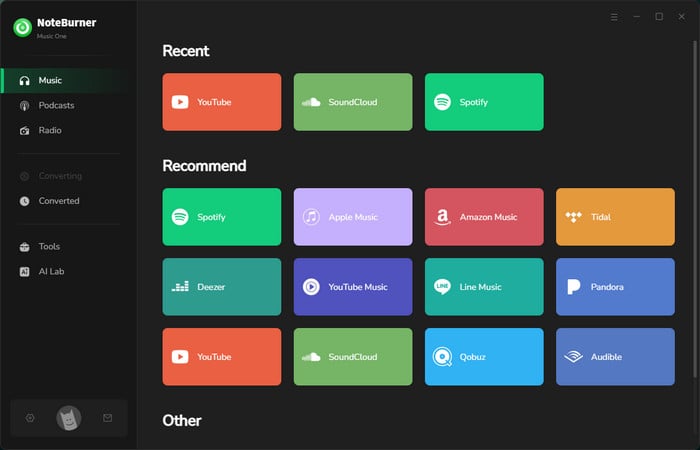
The batch download lived up to its claims for multiple YouTube videos and songs. Even with a regular free YouTube account, it handled audio extraction to MP3 without much hassle and kept the quality decent in most cases.
After conversion, you can actually tweak the audio or even burn it to CD directly from the Tool taskbar. It is kind of old-school but still useful depending on your setup.
Official page: https://www.noteburner.com/youtube-music-converter-windows.html
Our rating: ⭐⭐⭐⭐⭐
Best for: Users looking for a secure, fast and simple way to download YouTube Music to MP3 in high quality and keep full ID3 tags for better organization.
NoteBurner YouTube Music Converter is a simple and effective tool for converting YouTube Music into MP3 or other popular audio formats. It works directly with the YouTube Music web player, making it easy to add and download songs, albums, and playlists from YouTube Music to your PC/Mac computer. This software is a professional YouTube downloader and can also function as a dedicated YouTube Music app on your PC or Mac.
Compatible OS: Windows 11/10/8/7, macOS 11-26
Tutorial: 5 Quick Steps to Convert YouTube Music to MP3
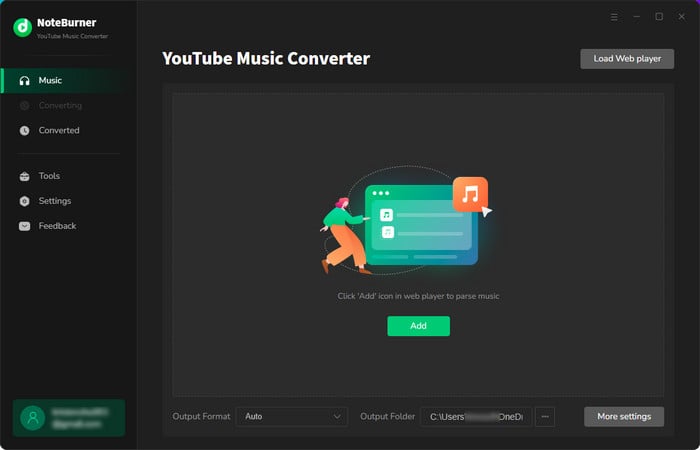
This desktop software handles YouTube Music downloads well. We added a 50-song playlist and it converted every track to MP3 without stalling.
Once done, it is convenient to put the converted songs on a USB flash drive for playing on any device.
The table clearly shows you the key differences between NoteBurner and YouTube to MP3 download sites.
| Feature | 🏆NoteBurner Music One | NoteBurner YouTube Music Converter | Online YouTube to MP3 Sites (#1-10) |
| Safety | 100% safe (no ads / redirect) | Safe - Ad-free interface | Medium - some sites include risky pop ups, redirects |
| Download Source | YouTube, YouTube Music, Spotify, Apple Music, and all other platforms | YouTube Music | YouTube and other social platforms |
| Supported Format | MP3, MP4, AAC, WAV, FLAC, AIFF, and ALAC | MP3, AAC, WAV, FLAC, AIFF, and ALAC | MP3, MP4 |
| Audio Quality | 320 kbps High Quality | 320 kbps | Inconsistent |
| Video Quality | Up to 4K (Music Video) | Up to 4K | Up to 1080p |
| ID3 Tags | Fully preserved (title, artist, artwork, album, year, track num, etc.) |
Fully preserved |
Basic (usually title only) |
| Download Speed | 10x faster | Fast | Varies (Slow for long videos) |
| Batch Downloads | ✅ |
✅ |
❌ |
| Music Webplayer | ✅ | ✅ | ❌ |
| Support & Updates | ✅ | ✅ | ❌ |
| Free audio tools | ✅ (Audio Editor, CD Burner, Format Converter, Tag Editor, etc.) |
✅ | ❌ |
For simple and online tasks of downloading a YouTube link to MP3, just pick the one from the top 10 safe YouTube to MP3 sites in Part 1. No fees, no account, and no installation required.
If you're inclined to download multiple YouTube tracks to MP3 at once, without ads and YouTube Premium, go for NoteBurner YouTube Music Converter.
If you focus on ad-free workflow, high-quality MP3 downloads, and additional music platform support, then NoteBurner Music One is the best overall pick.
For personal use it's generally tolerated, though downloading from YouTube does go against its Terms of Service. But sharing or uploading the downloaded audio without the creator's permission is a violation of copyright laws and can result in legal consequences.
Yes, some tools like NoteBurner Music One, AVC Free support batch downloading and converting multiple videos to MP3 at once.
Free downloaders may have limitations like ads or lower-quality audio, and they handle one link at a time. Paid options like NoteBurner offer more features, better security, and higher-quality conversions without interruptions — worth it once you're downloading whole playlists rather than single tracks.
Many YouTube to MP3 sites stop working due to DMCA takedowns, YouTube’s anti-scraping updates, frequent domain changes, and poor maintenance, so it’s best to use a stable, regularly updated tool to avoid interruptions.
On these sites the danger is almost never the audio file — it's what happens when you press the button. On a few of the sites we tested, clicking "Download MP3" opened an ad page instead of handing over the file. Two habits handle it: walk away from any page that wants a browser extension or notification permission, and glance at the file extension afterwards. If it isn't .mp3 or .m4a, you didn't download a song.
Disclaimer: This guide is for personal and educational use only. NoteBurner is an independent software provider with no affiliation to YouTube. Users are fully responsible for lawful use; unauthorized downloads may violate copyright laws.
For a reliable and high-quality YouTube to MP3 experience, free online YouTube Download sites often come with limitations like ads, poor audio quality, and security risks. To avoid these issues, consider using NoteBurner Music One or NoteBurner YouTube Music Converter. These tools offer fast, high-quality downloads, preserve metadata, and ensure a safer, more efficient way to enjoy music offline without interruptions.
Note: The free trial version of NoteBurner YouTube MP3 Downloaders allows you to convert the first 1 minute of each song. You can buy the full version to unlock this limitation and enable all its features.



