
 By
By
Custom ringtones are one of the easiest and most popular ways to personalize an Android phone. Whether you prefer trending sound effects, classic ringtone, or want to set the chorus of your favorite song as your ringtone, there are plenty of ways to find free ringtones for Android phones today.
In this guide, we'll walk through 10 practical ways to download ringtones for Android, including popular free ringtone apps, browser-based free ringtones websites. You’ll also learn how to set music as ringtone on Android step by step, even if you’ve never done it before.
Below are the most practical and safe ways to get free ringtones for Android phones, covering both apps and websites. Whether you prefer a free ringtones website or a full-featured ringtone app, there’s an option for every user.
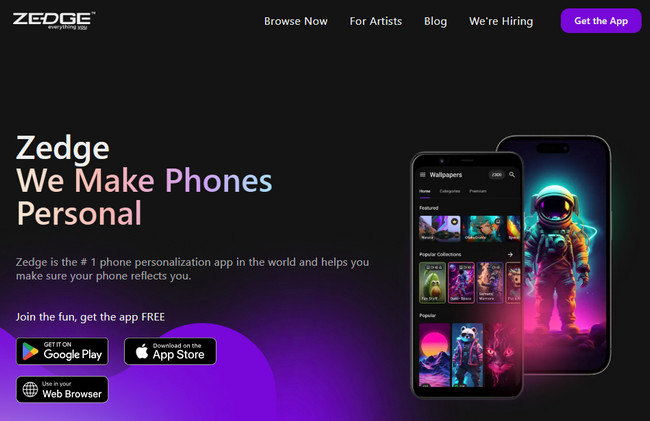
Official Website: https://www.zedge.net/
Platform: Android / iOS / Web
Overview: ZEDGE is one of the world's most popular one-stop mobile personalization platforms. It offers a massive library of user-uploaded and shared content, including not only a vast collection of ringtones and notification sounds, but also an extensive selection of high-definition wallpapers and video wallpapers.
✅ Pros:
❌ Cons:
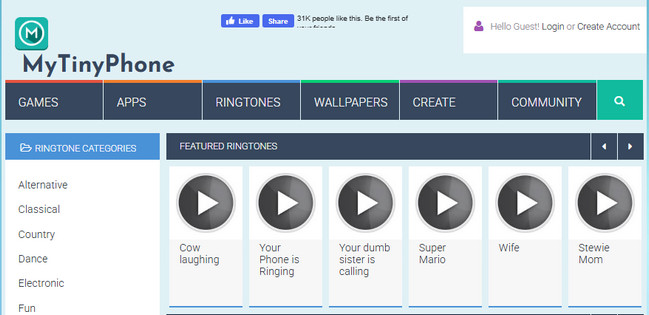
Official Website: https://www.mytinyphone.com/
Platform: Web only
Overview: MyTinyPhone is a long-running ringtone website that focuses on user-uploaded MP3 ringtones and sound clips. In addition to ringtones, it also hosts mobile games and apps.
✅ Pros:
❌ Cons:
Official Website: https://www.tones7.com/
Platform: Web only
Overview: Tones7 is a simple, ad-supported ringtone website offering free ringtones across multiple categories. It’s designed for users who want fast downloads without signing up, with a straightforward interface that focuses on basic ringtone access.
✅ Pros:
❌ Cons:

Official Website: https://garageringtones.com/
Platform: Android / Web
Overview: Garage Ringtones specializes in pre-cut ringtone-length audio, including classic phone tones and short clips from popular music. It's a good option for users who prefer ready-to-use ringtones without any extra editing.
✅ Pros:
❌ Cons:

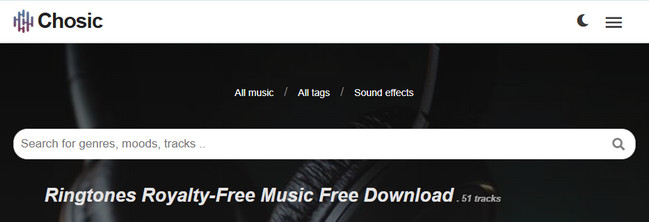
Official Website: https://www.chosic.com/free-music/ringtones/
Platform: Web only
Overview: Chosic is primarily a music discovery platform that also offers free, license-friendly music suitable for ringtones.
✅ Pros:
❌ Cons:
Official Website: https://m.audiko.com/
Platform: Android / iOS / Web
Overview: Audiko is best known for its ringtone creation tools, allowing users to turn songs or audio files into custom ringtones. With both web and mobile versions available, it combines a large user-generated ringtone library with easy trimming and preview features.
✅ Pros:
❌ Cons:

Official Website: https://cellbeat.com/
Platform: Web only
Overview: CellBEAT is a classic ringtone website offering a large archive of MP3 ringtones, mainly targeting users who prefer traditional mobile tones.
✅ Pros:
❌ Cons:

Official Website: https://mobcup.com.co/
Platform: Android / Web
Overview: MobCup is an Android-focused customization platform that offers free ringtones, wallpapers, and themes. It’s designed for users who enjoy personalizing their devices with a wide variety of downloadable content beyond just ringtones.
✅ Pros:
❌ Cons:

Official Website: https://www.noteburner.com/sp-music-converter-windows/tutorial-android.html
Platform: Android
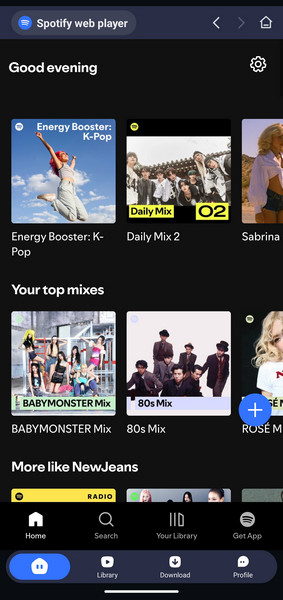
Overview: NoteBurner Spotify Downloader for Android allows users to download and convert Spotify tracks into common audio formats like MP3 for offline use. This makes it possible to turn favorite Spotify songs into fully customizable Android ringtones.
✅ Pros:
❌ Cons:
Official Website: https://www.noteburner.com/line-music-converter-windows/tutorial-android.html
Platform: Android
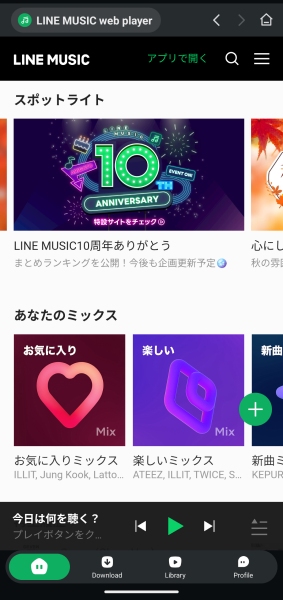
Overview: NoteBurner Line Music Downloader for Android is designed for users who listen to Line Music and want more control over their favorite tracks. By converting Line Music songs into standard audio files, it enables easy creation of custom Android ringtones.
✅ Pros:
❌ Cons:
Want to set your favorite Amazon songs as ringtone? The article is for you, which will introduce the detailed steps of downloading songs from Amazon Music Unlimited as MP3 files and setting as phone ringtone.
After you download free ringtones for Android phones, the next step is learning how to set music as ringtone on your device. Android offers multiple ways to do this depending on your phone model and system version.
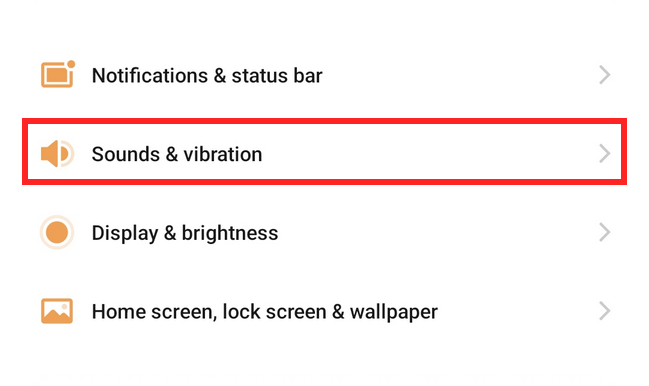
Step 1Open "Settings" on your phone.
Step 2Find "Sounds & vibration", then set it up.
Step 1Open the "File Manager" app on your phone.
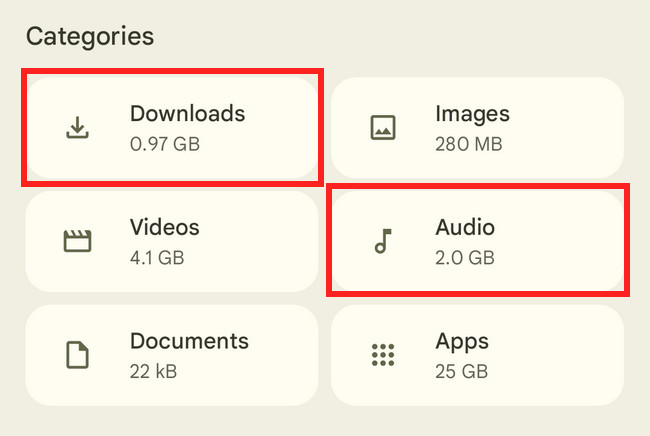
Step 2Find the downloaded music, which may be located in the Downloads/Audio folder.
Step 3Use the phone's built-in music app to edit the ringtone, then set it as desired.
Use free ringtone apps such as Ringtone Maker. These apps allow you to cut, fade, and preview the ringtone before setting it.
Learn how to set a YouTube Music song as your ringtone on an Android phone, allowing you to enjoy your favorite track every time your phone rings.
The table below organizes and compares the methods introduced in Part 1, helping you quickly identify which free ringtone apps or free ringtones websites are best for downloading and setting ringtones on Android phones, whether you want simplicity, customization, or trending music.
| Method | Ads | Ringtone Amount | Category Variety | Trending Music | Payment Required | Download Format |
| ZEDGE | ✔ | Large | Wide | ✔ | ✔ | MP3 |
| MyTinyPhone | ✔ | Medium | Limited | ✖ | ✖ | MP3 |
| Tones7 | ✔ | Medium | Medium | ✖ | ✖ | MP3 |
| Garage Ringtones | ✔ | Small | Limited | ✖ | ✔ | MP3 |
| Chosic | ✔ | Small | Niche | ✖ | ✖ | MP3 |
| Audiko | ✔ | Large | Wide | ✖ | ✔ | MP3 |
| CellBEAT | ✔ | Medium | Limited | ✖ | ✖ | MP3 |
| MobCup | ✔ | Large | Wide | ✖ | ✖ | MP3 |
| 🥇NoteBurner Spotify Downloader | ✖ | Massive | Very Wide | ✔ | ✔ | MP3 / AAC / FLAC / WAV |
| 🥈NoteBurner Line Music Downloader | ✖ | Large | Wide | ✔ | ✔ | MP3 / AAC / FLAC / WAV |
Therefore, if you want to use mainstream pop music as your phone ringtone, NoteBurner Spotify Downloader is the better choice. If you prefer Japanese music, anime soundtracks, or K-drama OSTs, NoteBurner Line Music Downloader is a more suitable option.
Both tools let you customize the output audio quality and save songs as offline files. After downloading, you can also use third-party audio editing software to trim your favorite part of a track and create a fully personalized ringtone.
Do you want to set Apple Music songs as iPhone ringtone? This article introduces an amazing tool to help you set Apple Music tracks as your iPhone ringtone with a few clicks.
It depends on the site. Reputable platforms like ZEDGE or well-known ringtone websites are generally safe, but lesser-known sites may contain intrusive ads or misleading download buttons.
You can first check your phone's file manager. Go to the "Downloads" folder—many downloaded items are saved here by default.
Yes. Most Android phones allow you to assign downloaded ringtones not only for calls, but also for notification sounds and alarms, as long as the audio file is stored locally on your device.
In most cases, yes. However, ringtone settings and file access can vary slightly depending on your phone brand and Android version. If a ringtone doesn't appear immediately, restarting the phone or rescanning media files usually helps.
There's no single "best" way to get free ringtones for Android phones — it all depends on how much control and personalization you want. Each method has its own strengths and is better suited to different use cases.
If you're looking for a fast, hassle-free experience with plenty of ready-made options, ringtone apps and websites like ZEDGE are a great choice, letting you download and set a ringtone in just a tap or two. If ultimate customization is your goal — such as turning specific tracks from Spotify or LINE Music into Android ringtones — professional tools like NoteBurner offer far more flexibility and control.
No matter which option you choose, setting a new ringtone on Android is straightforward. Whether you prefer classic ringtones, trending sound effects, or a custom clip from your personal music library, a few simple steps are all it takes to make your phone truly reflect your style.



