
Are you googling a free tool to convert Apple Music to MP3 files for offline listening? There you go! This post showcases the top 10 Apple Music to MP3 downloaders, including free online converters, desktop apps, and mobile tools. Also, we'll clearly analyze and review each option for its key advantages and disadvantages, usage, and other relevant details. Just dive in.
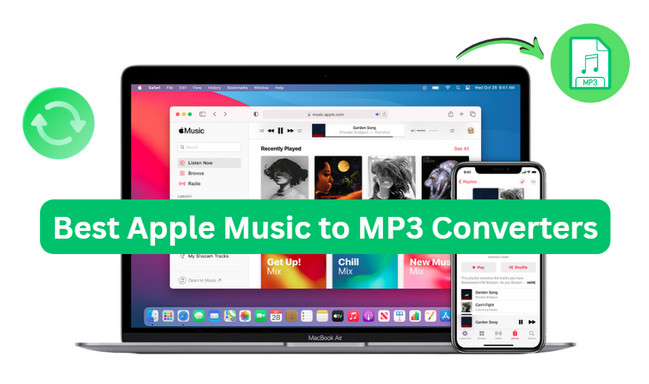
Generally speaking, Apple Music enables users to download Apple Music songs or playlists to listen offline. But saving as MP3? It is thorny because all content from Apple Music is encrypted in protected formats. You cannot just move them to any other unauthorized device.
That's where MP3 plays. It’s still the most widely supported format out there—cars, MP3 players, editing software, basically anything. What you need is to take advantage of a third-party tool to get Apple Music MP3 audio. With a reliable Apple Music to MP3 converter, you can get:
A head-up, though: All tested Apple Music to MP3 converters are meant for personal/educational use only. So use them carefully and responsibly, and obey the rules and terms.
Based on our 2026 tests, we've selected the 10 best Apple Music to MP3 converters and highlighted their key features.
| Feature | ⭐ NoteBurner Apple Music to MP3 Converter | NoteBurner Music One | Sidify Apple Music Converter Free | Online Apple Music Converter [#4-8] | DezAItyBot | MP3 Converter |
|---|---|---|---|---|---|---|
| Type | Desktop App | Desktop App | Desktop App | Browser-based Converter | Telegram Bot | iOS App |
| Download Content | Track, Playlist, Album, Podcast, Audiobook, Radio | Track, Playlist, Album, Podcast, Audiobook | Song, Audiobooks | Tracks | Songs, Videos | Audio, Video |
| Output Format | MP3, MP4, AAC, WAV, FLAC, AIFF, ALAC | MP3, MP4, AAC, WAV, FLAC, AIFF, ALAC | MP3, AAC, WAV, FLAC | MP3, MP4 (varies) | MP3 | MP3, MP4 |
| Max Quality | 320 kbps & Hi-res Lossless | 320 kbps for MP3 | Up to 256 kbps | 128–320 kbps | 256 kbps | 256 kbps |
| ID3 Tags | Fully Preserved | Fully Preserved | Partial (Artist & Album) | Partial (with watermark) | Basic | Basic |
| Security | High - 100% Safe | High | High | Low (redirects & risky links) | Medium | High |
| Free to Use | No, with free trial available | No | Yes | Yes | Yes | Yes |
| No Ads | ✔ | ✔ | ✔ | ✖ | ✔ | ✔ |
| Batch Download | ✔ | Partial | ✔ | ✖ | ✖ | ✖ |
| Built-in Player | ✔ | ✔ | ✖ | ✖ | ✖ | ✖ |
| Export to iTunes | ✔ | ✔ | ✖ | ✖ | ✖ | ✖ |
Now let's get acquainted with these Apple Music downloader tools.
 NoteBurner Apple Music to MP3 Converter - Best MP3 320kbps Output
| Compatibility | Audio Output | Batch / ZIP | Keep Metadata | Recommendation |
| Windows, macOS | MP3 320 kbps ~ ALAC Lossless 24-bit |  |
|
⭐⭐⭐⭐⭐ |
| https://www.noteburner.com/audio-recorder-windows.html | ||||
NoteBurner Apple Music Converter is exclusively for downloading Apple Music to MP3 320kbps at up to 10x speed. It effortlessly extracts songs, playlists, albums, and more via Apple Music web player or app, and then exports music to your local computer at once. Apart from MP3, this tool transforms Apple Music tracks to WAV/FLAC/AIFF/AAC/ALAC. Surprisingly enough, the max sound quality of Lossless High resolution makes it ideal for audiophiles to listen to crystal-clear Apple Music audio offline.
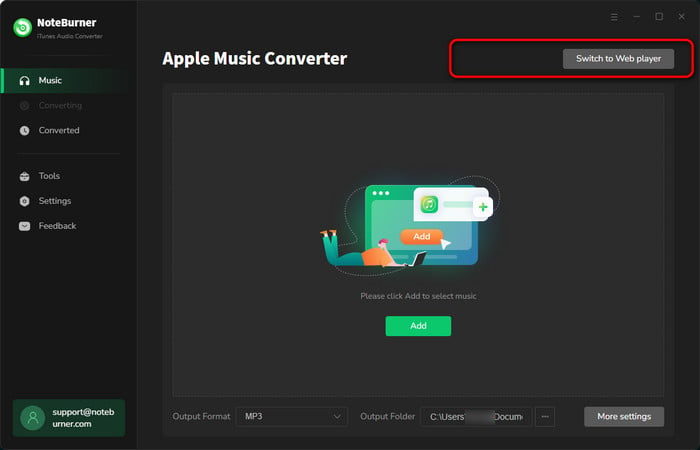
Add Apple Music to NoteBurner
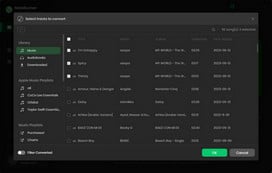
Click the "+Add" icon to add library or playlists to NoteBurner Apple Music to MP3 Converter.
Set up MP3 320kbps
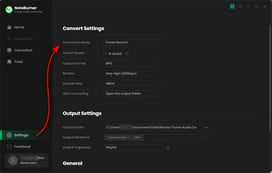
Go to Settings by clicking a gear icon, and choose MP3 as output format and 320kbps as output quality.
Download Apple Music to MP3
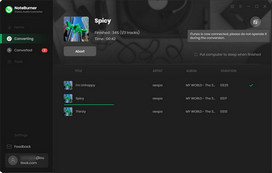
Click "Convert" to start downloading Apple Music songs offline. After seconds, you will get local Apple Music MP3 files.
| Compatibility | Audio Output | Batch / ZIP | Keep Metadata | Recommendation |
| Windows, macOS | MP3 in 320 kbps | |
|
⭐⭐⭐⭐⭐ |
| https://www.noteburner.com/noteburner-music-one.html | ||||
NoteBurner Music One works as another dedicated Apple Music downloader. It proceeds with an Apple Music to MP3 conversion in bulk and at a fast speed, all while maintaining original sound quality and metadata details. Plus, it also supports downloading MP3 320kbps from Spotify, YouTube Music, Amazon Music, Tidal, SoundCloud, and the like.
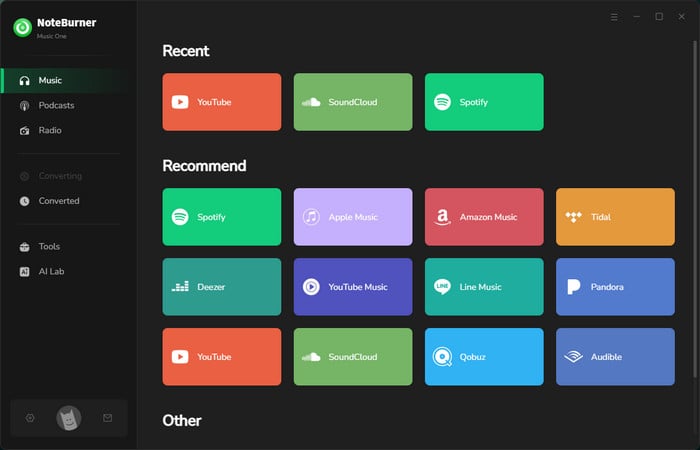
Add Apple Music Songs to NoteBurner
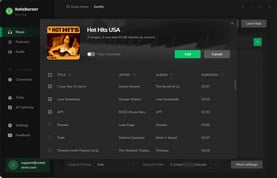
Launch NoteBurner and choose Apple Music site. Find and open the Apple Music playlist or album on the web player, then click the "Add" button to load songs on NoteBurner.
Adjust MP3 Music Settings
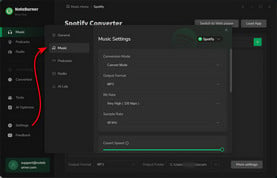
Click the "Settings" button to choose the MP3 output format. Here you can also select conversion mode, output quality, output path, etc.
Convert Apple Music Playlist to MP3
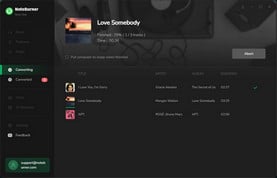
Click the "Convert" button to start downloading MP3 songs. Once converted, you can go to "History" to find all Apple Music MP3 downloads.
| Compatibility | Audio Output | Batch / ZIP | Keep Metadata | Recommendation |
| Windows PC | MP3 at 256kbpst | |
Partial (Artist and Album) | ⭐⭐⭐⭐ |
| https://www.sidify.com/apple-music-free/free-apple-music-converter.html | ||||
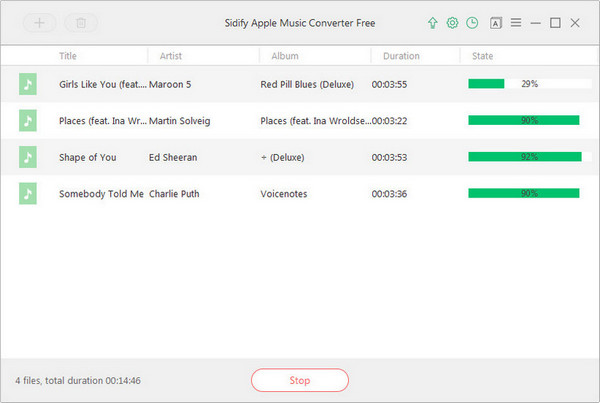
It is a free desktop software that enables Apple Music users to convert songs or audiobooks to MP3 and other generic formats. Since this tool typically works with the iTunes library, you just pick the audio tracks you intend to download, then let it process them. One thing to note, though — it’s Windows-only, so not great if you’re on Mac or trying to do this on mobile.
Step 1 Copy and paste the YouTube media URL into the search box, and wait for the loading.
Step 2 Select the quality of the YouTube M4A file, enable the playlist option, then click Convert.
Step 3 After the conversion, you can find the M4A audio ( or .zip file) in the local folder.
| Compatibility | Audio Output | Batch / ZIP | Keep Metadata | Recommendation |
| Windows, macOS, Mobile | MP3 at 256kbpst |  |
Partial (Watermarked Title & Artist) | ⭐⭐⭐ |
| https://aplmate.com/ | ||||
By using APLMate, user can convert Apple Music links to MP3 files at no cost, directly through the web interface. With its URL finder and analyzer, you simply input the track/playlist link into the field, and this tool automatically downloads the music as local audio files.
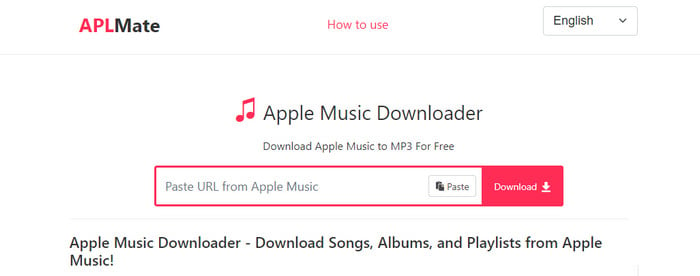
Step 1 Grab the music/playlist URL from Apple Music.
Step 2 Paste the link into the search box of APLMate and click on the Download button.
Step 3 When the download option is available, click "Download MP3".
| Compatibility | Audio Output | Batch / ZIP | Keep Metadata | Recommendation |
| Windows, macOS, Mobile | MP3 | |
Partial (Title & Artist) | ⭐⭐⭐ |
| https://aaplmusicdownloader.com/ | ||||
An online free website is used to download Apple Music songs as MP3 files, with basic metadata preserved. In addition to single downloads, it also claims to download the full playlist or album in Zip. But be advised that the sound quality is lossy. For a 320 kbps MP3, you have to install the app.
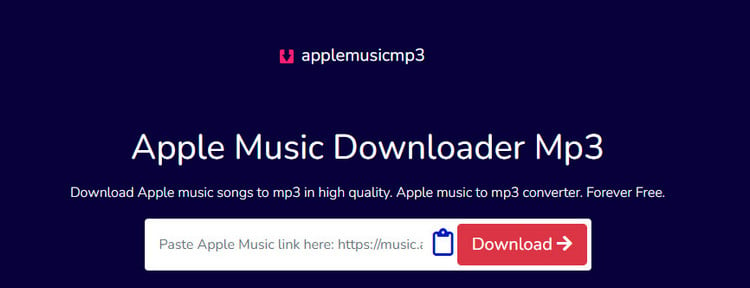
Step 1 Open this website and enter the URL of the Apple Music song, album, or playlist in the parsing box.
Step 2 Once ready, click on "Generate Download Link".
Step 3 Select the quality for Apple Music MP3 audio.
| Compatibility | Audio Output | Batch / ZIP | Keep Metadata | Recommendation |
| Windows, macOS | MP3 | |
|
⭐⭐⭐ |
| https://soundverter.com/apple-music-to-mp3 | ||||
Soundverter offers a web-based version for turning Apple Music tracks into MP3 format without payment. Since it works from the browser, you can get direct MP3 audio conversion without installing additional apps. But it is worth noting that if you’re not signed in or registered, you’re limited to MP3 downloads only.
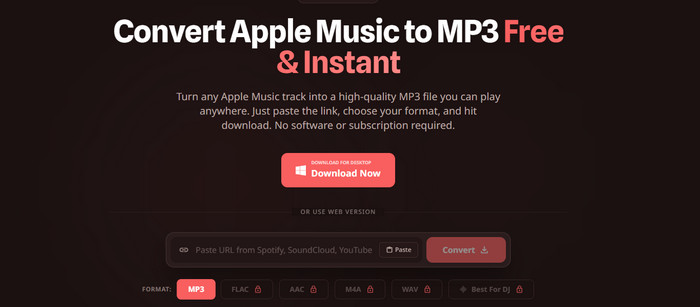
Step 1 Copy and paste the Apple Music audio link into the search box.
Step 2 Choose MP3 format and click the Convert button.
Step 3 Wait for the conversion and check the music downloads in History.
| Compatibility | Audio Output | Batch / ZIP | Keep Metadata | Recommendation |
| Windows, macOS, Mobile | MP3 at 256kbps | |
Partial (Track Name & Artist) | ⭐⭐⭐ |
| https://apple-music-downloader.com/ | ||||
It is a free online Apple Music to MP3 downloader. Users can quickly download Apple Music audio to their PCs. Of course, given the web-based nature, the download quality is less decent than professional converters.
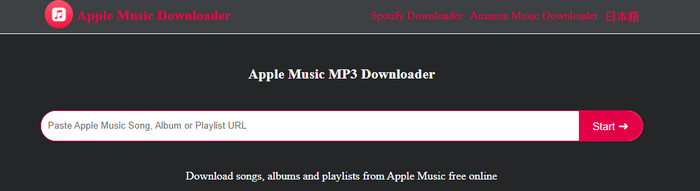
Step 1 Navigate to the song on the Apple Music app or web player, and click "Share > Copy Link".
Step 2 Paste the URL into this converter, then click "Start" and "Get Download."
Step 3 Click "Download MP3" to save the file.
🎯 Tips: Want to download MP3 320kbps from Apple Music with full tags kept? Go for NoteBurner Apple Music Converter.
| Compatibility | Audio Output | Batch / ZIP | Keep Metadata | Recommendation |
| Windows, macOS, Mobile | MP3 at 128-256 kbps | |
Partial (Track Name & Artist) | ⭐⭐ |
| https://g2.freemp3cloud.com/ | ||||
The Free MP3 Cloud combines smart music discovery and instant MP3 downloads in one place. Featuring an advanced search bar, you just type your favorite Apple Music track name, and it pulls up a list of matching results. From there, you can download MP3 audio to your desktop or mobile devices without paying anything.
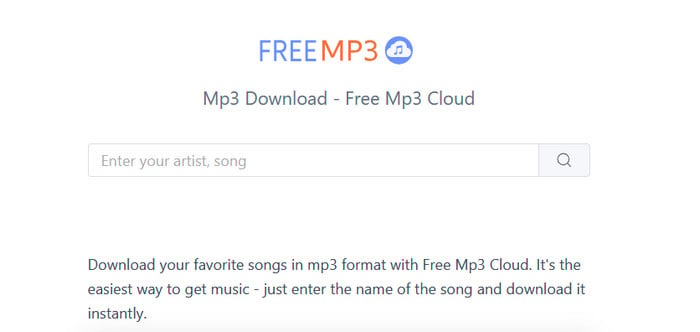
Step 1 Open this website and enter the URL of the Apple Music song, album, or playlist in the parsing box.
Step 2 Once ready, click on "Generate Download Link."
Step 3 Select the quality for Apple Music MP3 audio.

Look for the free MP3 music download sites? Here this article will show you an MP3 song downloader and the free MP3 music download sites!
| Compatibility | Audio Output | Batch / ZIP | Keep Metadata | Recommendation |
| Android & iOS | MP3 at 256-320 kbps. | |
Incomplete | ⭐⭐⭐ |
| https://t.me/DezAltyBot | ||||
DezAltyBot can act as a Telegram Apple Music downloader bot. In the chat window, the AI bot accepts the Apple Music link you sent and responds with song previews and basic track info. It converts Apple Music songs or podcasts to MP3 when you activate the Download button.
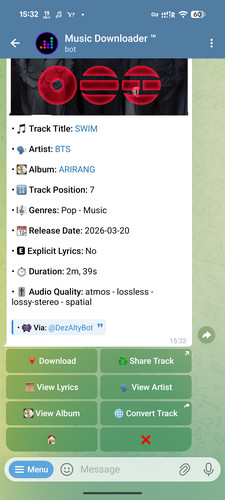
Step 1 Run Telegram and find the bot @DezAltyBot.
Step 2 Tap on "Start," and then paste the Apple Music track link into the chat zone.
Step 3 The bot will process the link and reply with downloadable MP3 files. You can tap on the link to download the music files.
The post introduces 10+ best Telegram Spotify Bots, along with easy-to-follow steps.
| Compatibility | Audio Output | Batch / ZIP | Keep Metadata | Recommendation |
| iOS | MP3 | |
|
⭐⭐ |
| https://apps.apple.com/us/app/mp3-converter-audio-extractor/id1305099161 | ||||
A multi-functional audio converter for iPhone that converts local audio & video files to MP3 and various formats. Not only does it boast fast and easy conversions, but it also includes multiple audio editors, like audio clippers, ringtone makers, voice removers, and so on. But not all features are free to use; some of them may need a Pro Unlimited subscription.
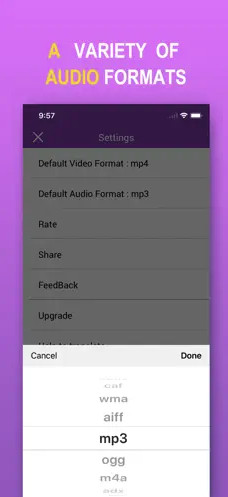
Step 1 Run this app on your iPhone. Click the Add button to import the local purchased iTunes audio files.
Step 2 Choose mp3 as the output format, then confirm "Convert."
Check a list of over 10 great free vocal removers that still work well today. Learn More →
A: Well, it depends on your preferrence.
A:Yes. The purpose-built Apple Music downloader helps you convert music to generic MP3 files. The downloaded music lives on your device, so you can keep Apple Music tunes playable, whenever and wherever you want.
A: The MP3 format transferralble and playable on most physical devices, such as MP3 player, smart TV, smart speakers, game consoles (PS5 & Xbox), and so on.
A: Apple Music to MP3 converters are not official, after all. So verify if the free converter contains a virus or suspicious links before using it. Furthermore, to avoid legal issues, do not distribute downloaded music/video for commercial use.
After reading this post, we hope you can find the Apple Music to MP3 converter that best suits your conversion needs.
A dedicated desktop tool like the NoteBurner Apple Music to MP3 converter gives you the best of both worlds: download Apple Music playlists offline and enjoy the superior sound quality. For occasional and small Apple Music audio downloads, free online converters provide a convenient solution. Of course, if you’re on Android or iOS, there are always those Telegram bots or mobile tools floating around.
Note: The free trial version of NoteBurner iTunes Audio Converter converts 1 minute of each audio file only. If you want to unlock the time limitation, please purchase the full version of NoteBurner iTunes Audio Converter.



