
With YouTube Premium, users can enjoy an ad-free viewing & listening experience, offline play, and background play. The best part? Eligible users may receive a one-month free trial. Visit youtube.com/premium to check the offer available to your account.
But if you're looking for a longer trial period, there are a few options available. Read on, and you could get up to six months of YouTube Premium at no extra cost through eligible partner offers.
>>> Read Also: How to Get Spotify Premium for Free | How to Get Apple Music for Free
YouTube and YouTube Music both offer free versions, but they have limitations like ads and restricted features, such as offline downloads and background play.
For a better experience, you can choose their premium plans. In the U.S., YouTube Premium costs $15.99 per month. YouTube Music Premium focuses solely on music, usually costing about $11.99 per month.
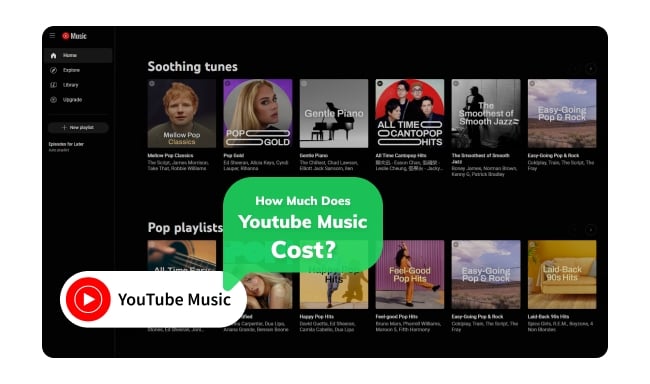
How much does YouTube Music cost? This article will provide all the details of the four subscription plans, including costs.
Whether YouTube Premium is worth it depends on your usage and preferences.
If ads annoy you and you watch a lot of YouTube, going ad-free can be a big plus. YouTube Premium also lets you download videos for offline viewing. The background play feature allows you to listen to videos or music while using other apps or when your screen is off—ideal for music and podcasts!
You also get YouTube Music Premium included, offering an ad-free music experience with offline listening and background play.
If these features fit your needs and you're a frequent user, it could be a good investment. However, if you don't mind ads and don't need the extras, sticking with the free version might be better.
There is also a middle option: YouTube Premium Lite ($8.99/month in the U.S.) offers ad-free viewing, background play, and downloads for most non-music videos. It does not include YouTube Music Premium, and ads may still appear on music content, Shorts, and while browsing or searching. It is a lower-cost option if you mainly watch non-music videos.
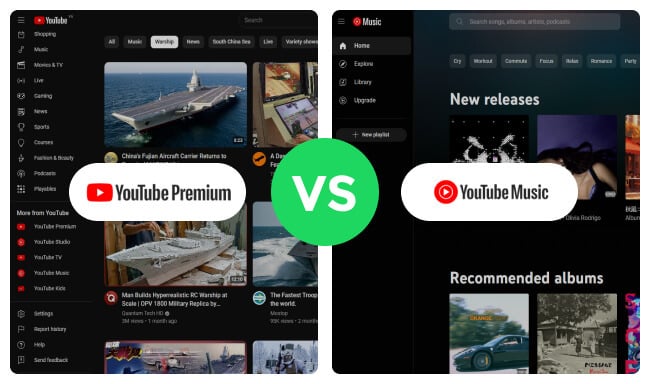
Here you will get the differences between YouTube Premium and YouTube Music Premium. YouTube Premium is a better bargain.
YouTube sometimes has free trials for YouTube Premium, letting new users check out the service for free for a limited time. You can find these free trials in the following part.
| Offer | Premium benefit period | Region | Who qualifies | Verified |
|---|---|---|---|---|
| Official YouTube trial | 1 month | Most countries | New Premium members | Oct 2026 |
| Google Fi | 6 months | U.S. | Unlimited Premium plan subscribers | Oct 2026 |
| Flipkart Black | 90 or 365 days (with paid membership) | India | Flipkart Black members | Oct 2026 |
| Xiaomi | 2 or 3 months | Selected markets | Buyers of eligible Xiaomi devices | Oct 2026 |
| Best Buy | 3 months | U.S. | My Best Buy Plus/Total members, new to Premium | Oct 2026 |
Verified: October 2026
Google Fi Wireless includes six months of YouTube Premium at no extra cost with its Unlimited Premium plan. You must maintain active service on this plan to keep the benefit. After six months, YouTube Premium automatically renews at the standard monthly rate ($15.99) unless you opt out.
Learn more on Google Fi plans: https://fi.google.com/about/plans
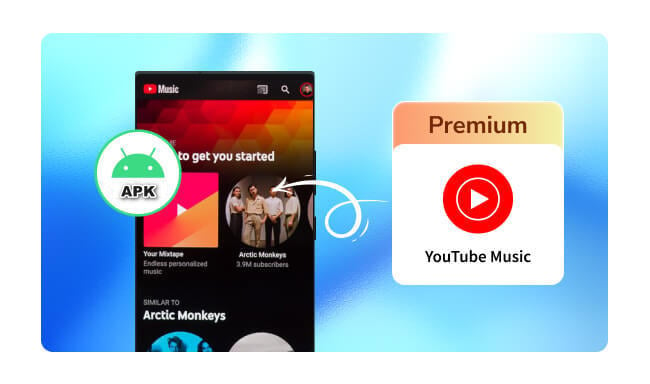
Learn about unofficial YouTube Music APK mods, their limitations, and available alternatives.
Verified: October 2026
Flipkart Black, Flipkart's paid membership in India, comes in two packs: 3 months for ₹499 (₹399 on offer) with 90 days of YouTube Premium, or 12 months for ₹1,499 (₹990 on offer) with 365 days of YouTube Premium. At the promotional prices, both packs cost less than buying YouTube Premium directly for the same period (₹459 / ₹1,499), while also including Flipkart BLACK shopping benefits. The benefit works on one Google account only and expires with your membership. Prices are as of October 2026 and may change.
Learn more on Flipkart Black & YouTube Premium: https://www.flipkart.com/pages/fk-black-faq
Verified: October 2026
When you buy an eligible Xiaomi device, you can claim a 2- or 3-month free trial of YouTube Premium, depending on the device and region. Check the official terms for the current list of eligible devices and markets before you buy.
Learn more on Xiaomi & YouTube Premium Free Promotion: https://www.mi.com/global/support/terms/youtube-premium-terms/
Verified: October 2026
Best Buy offers a three-month YouTube Premium trial to My Best Buy Plus and My Best Buy Total members in the U.S. who are new to YouTube Premium. Sign in to your Best Buy account, add the free offer to your cart, and follow the redemption instructions sent by email or shown in your Order Details.
Learn more on Best Buy & YouTube Premium Free Promotion
ReVanced is an unofficial project that lets Android users customize supported apps through patches. Depending on the available patches, it may offer features such as ad blocking and background playback. However, it does not provide a YouTube Premium subscription or all official membership benefits, and compatibility may change with app updates. It is also not supported by Google, so use it at your own risk.
Visit the official ReVanced website: https://revanced.app/
Explore YouTube Music ReVanced, its features, limitations, and how it differs from an official Premium subscription.
Ad blockers offer an alternative way to reduce ads; they do not provide a YouTube Premium membership. If you only want to avoid watching ads, you can try an adblocker like Adguard, or a web browser such as Brave to block ads from YouTube for free.
Learn more on https://brave.com/did-you-know/brave-blocks-youtube-ads/
Joining a YouTube Premium family plan can reduce your individual cost, but the family manager still pays for the subscription. YouTube Premium allows up to 6 members to share one subscription, significantly reducing the cost per person compared to individual plans. To join a family plan, you need an invite from the family manager, the person who set it up.
Everyone must live in the same household according to YouTube's rules. The family manager can send you an invite via email, and once you receive it, you'll need to accept and confirm your address to join. As part of a family plan, you'll enjoy all the perks of YouTube Premium, like ad-free videos, offline downloads, and access to YouTube Music, without paying for your own subscription.
You May Also Be Interested: How to Get a YouTube Music Premium Student Discount?
Now you know how to get YouTube Premium for up to 6 months through free trials and Premium benefits included with eligible paid plans. But when the trial or benefit ends, all of your benefits will be gone, including the ability to download YouTube Music songs.
If you're wondering how to save your YouTube Music downloads once the trial expires, fortunately, there are several ways to keep your YouTube Music downloads forever - use NoteBurner YouTube Music Converter to download any YouTube Music playlist to MP3, AAC, FLAC, WAV, AIFF, or ALAC audio format at up to 10X speed. By taking steps to convert your YouTube Music songs, you can continue enjoying your favorite offline YouTube tunes forever, even after the free trial ends. Note that NoteBurner converts YouTube Music to local audio files; it does not provide a YouTube Premium membership or extend your free trial.


Step 1 Open NoteBurner YouTube Music Converter on your PC or Mac, then log into your Google account (YouTube Music Free or Premium) on the pop-up web player.
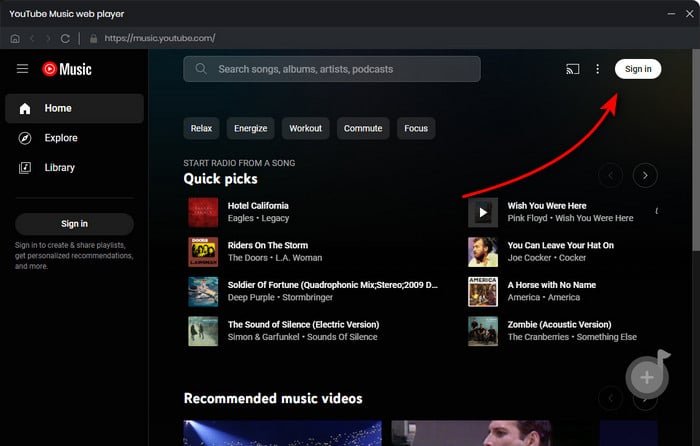
Step 2 Go to the Settings window, then select your desired output format, output quality and so on.
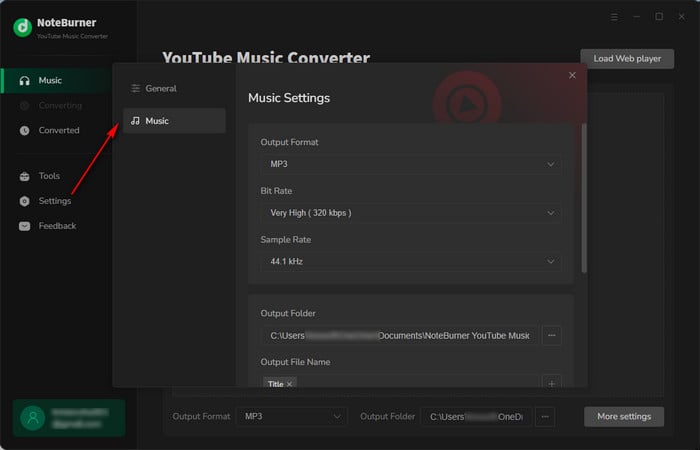
Step 3 On the YouTube Music web player, choose the playlist you like and click the "Add" icon at the bottom right corner.
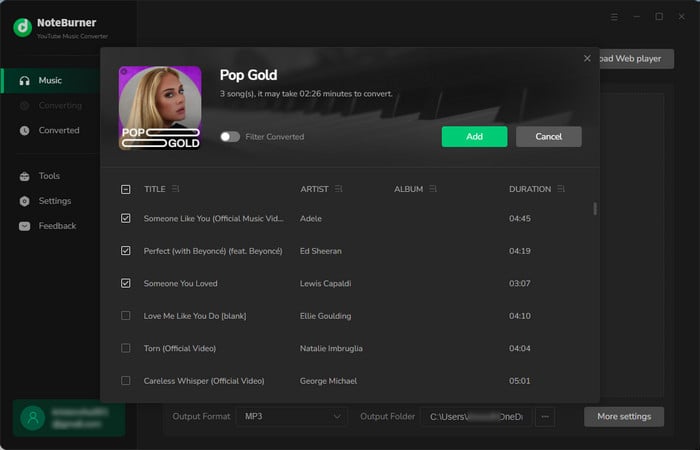
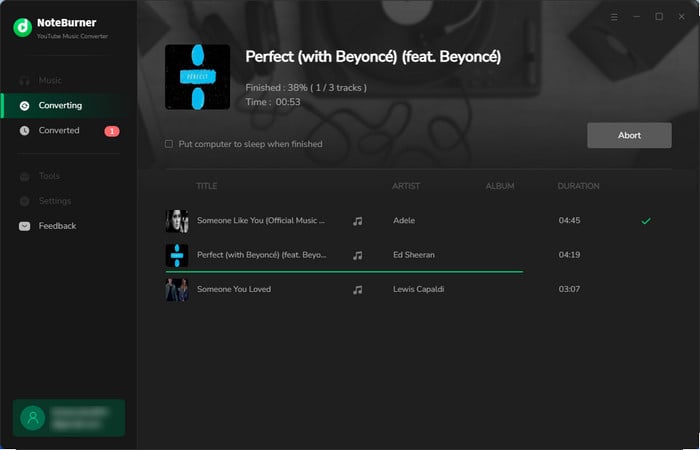
Step 4 Once added YouTube Music playlists to NoteBurner, click "Convert" to start downloading them to your computer's local drive.
Step 5 Click the "History" tab, and you'll find the download history of all your offline YouTube Music tracks.
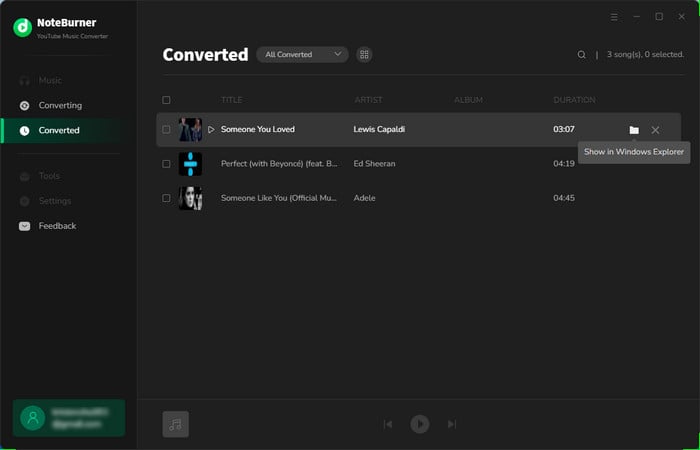
Now, these YouTube Music songs are stored on your computer, and you can transfer them to any music player or device for streaming with ease.
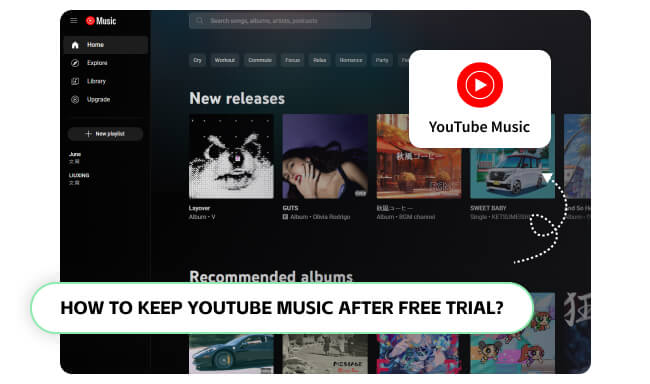
Don't want to lose YouTube Music downloads after a free trial? Read this article to learn to download YouTube Music songs once and keep them for life.
A: Usually, yes. The official YouTube trial requires a valid payment method even though you aren’t charged until the trial ends. Partner offers follow their own rules: some are billed through the partner (such as Google Fi), while others require a card to redeem.
A: Cancel before your trial ends to avoid renewal charges (a day early is a safe habit). Go to youtube.com/paid_memberships and cancel there. If you subscribed through Apple, Google Play, or a partner such as Google Fi, cancel through that platform instead.
Learn more on How to Cancel YouTube Music Premium on Phone/Desktop.
A:Trial eligibility depends on your membership history and payment method, not simply on using a different account. Standard trials may be available to first-time members or users who cancelled at least six months ago, with only one trial allowed per 12-month period. Extended trials and partner offers have separate eligibility rules.
A: Nope. Some offers are only for certain countries (e.g., India or the US). Check if your country is included before you apply.
By reading the content above, you should have several ways to get YouTube Premium for up to 6 months, through free trials and Premium benefits included with eligible paid plans. Besides, you will also get extra tips on how to download and keep YouTube Music offline content even after the trial ends. With NoteBurner YouTube Music Converter, you can keep your converted YouTube Music files playable permanently!
Note: The free trial version of NoteBurner YouTube Music Converter allows you to convert the first 1 minute of each song. You can buy the full version to unlock this limitation and enable all its features.



